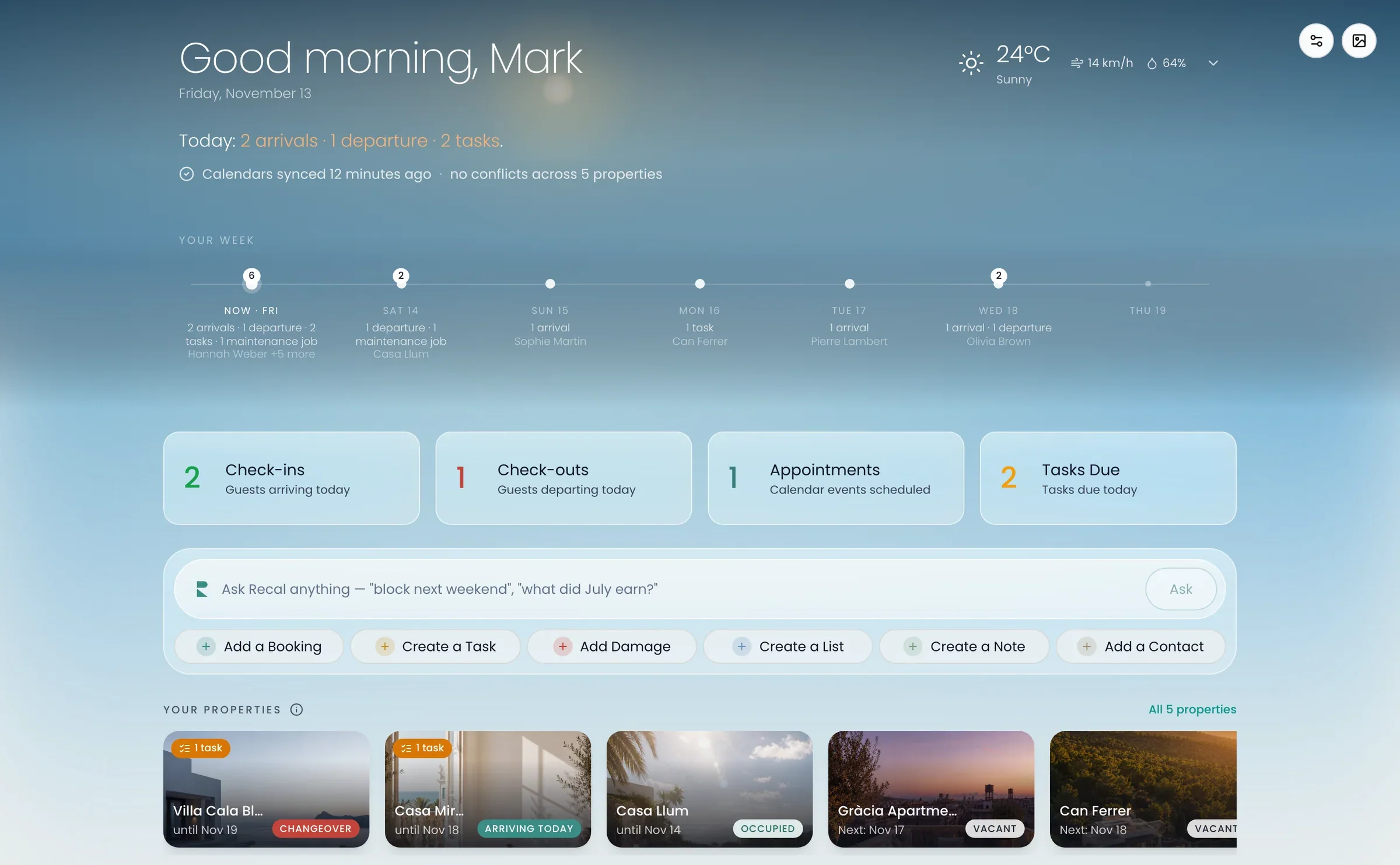
AI agent
Ask it anything. Or give it the work.
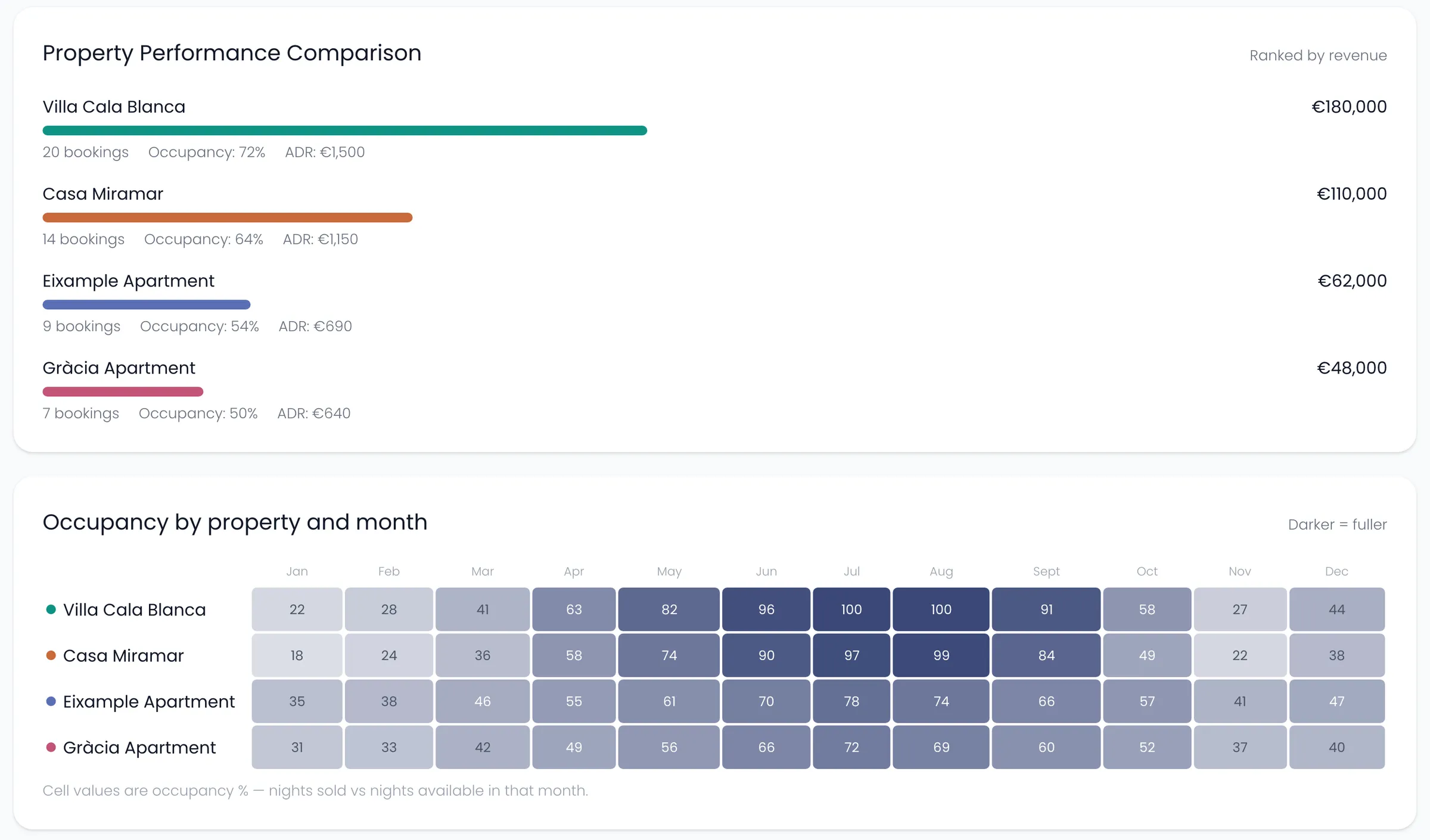
Recal’s AI agent, Ask Recal, looks up your bookings, homes, tasks and messages and gets the work ready for you, so a job that took ten clicks takes one sentence.
How it works
You ask. It does the work. You say yes.
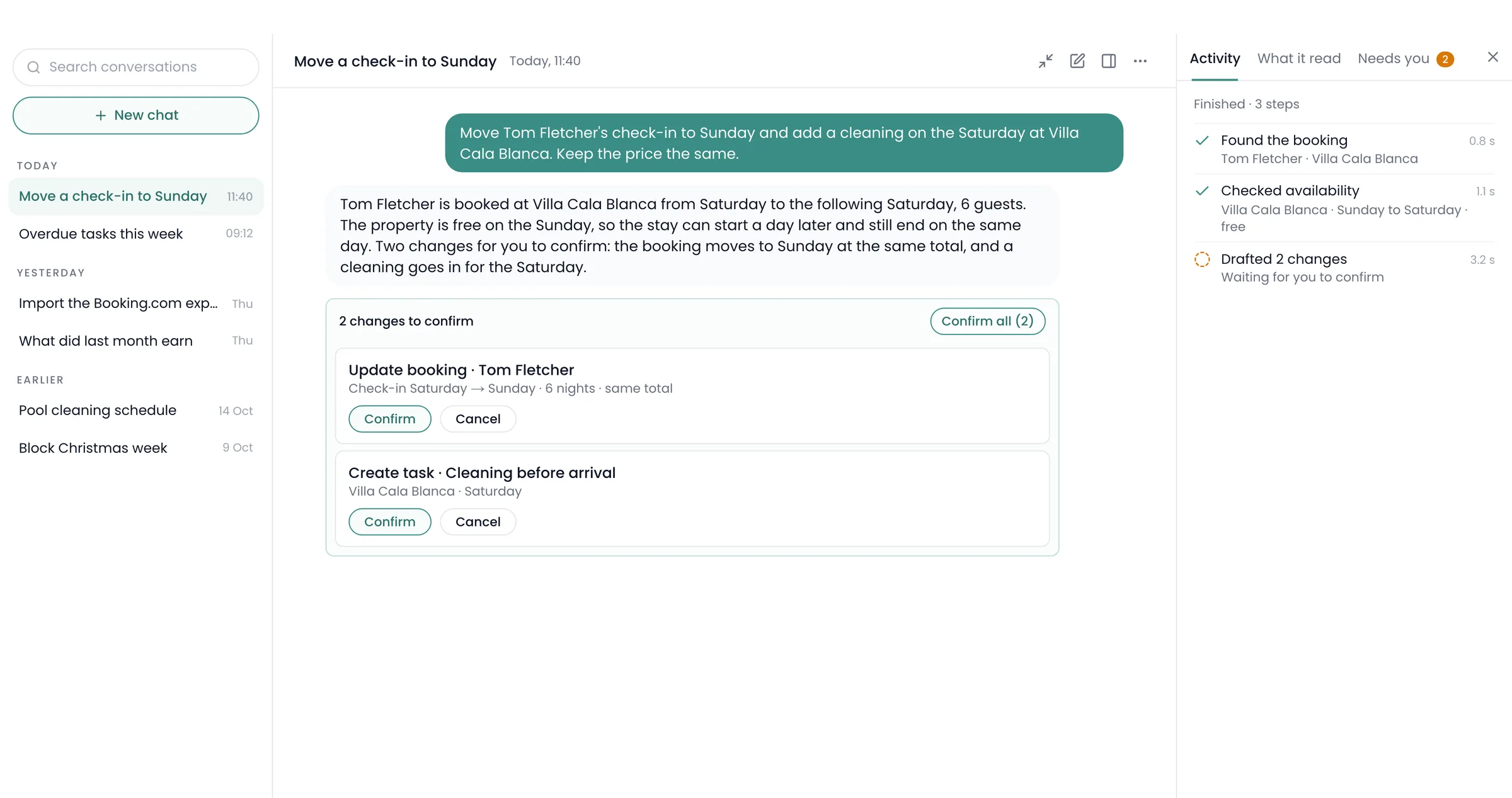
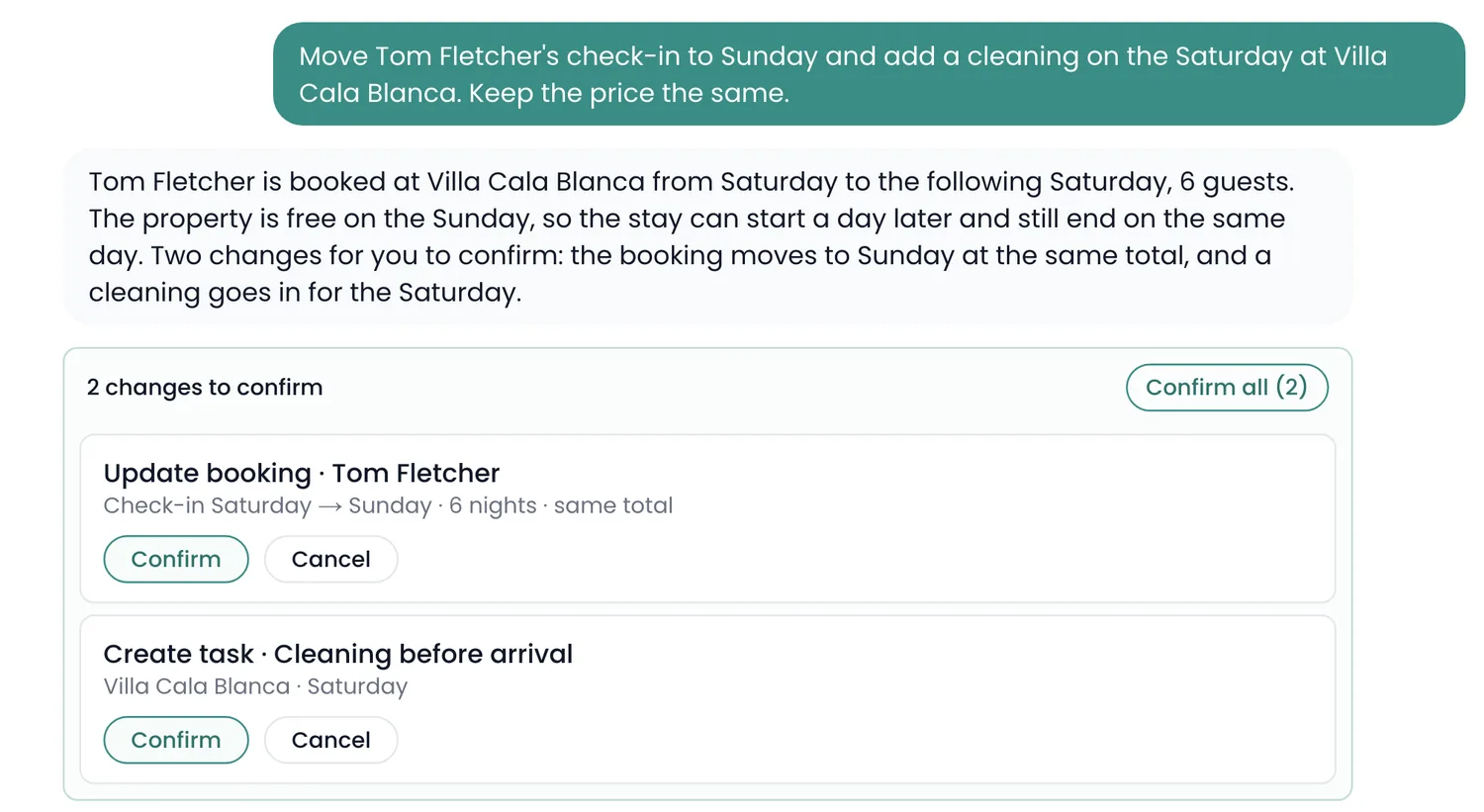
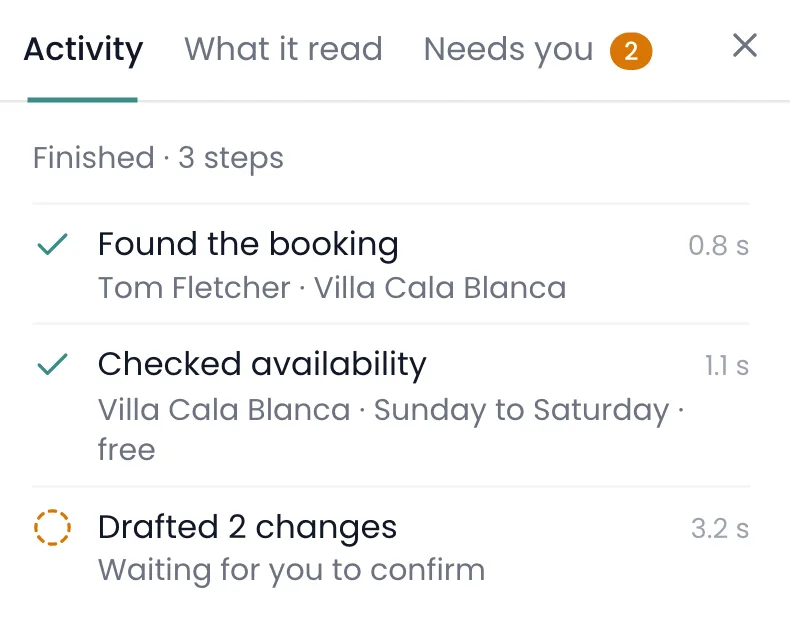
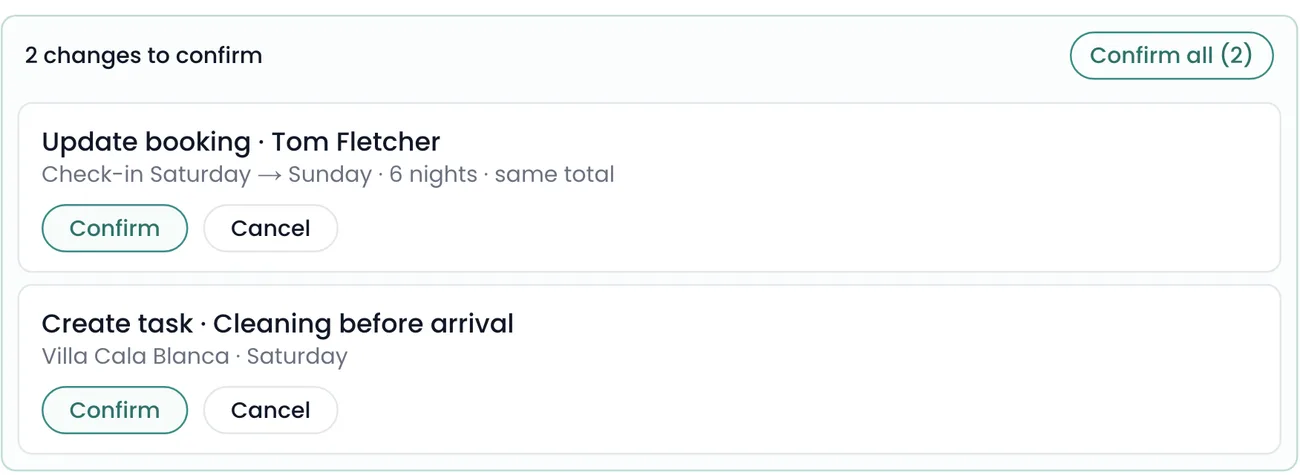
Write what you want in plain words. Ask Recal finds what it needs, gets the changes ready, and waits. Nothing changes until you press Confirm.
Hand it the work
The boring jobs, done in a sentence.
Send it a PDF, a spreadsheet or an Airbnb link, and it gets the bookings ready for you to check. Untick any you don’t want.
Ask Recal
Every conversation, kept.
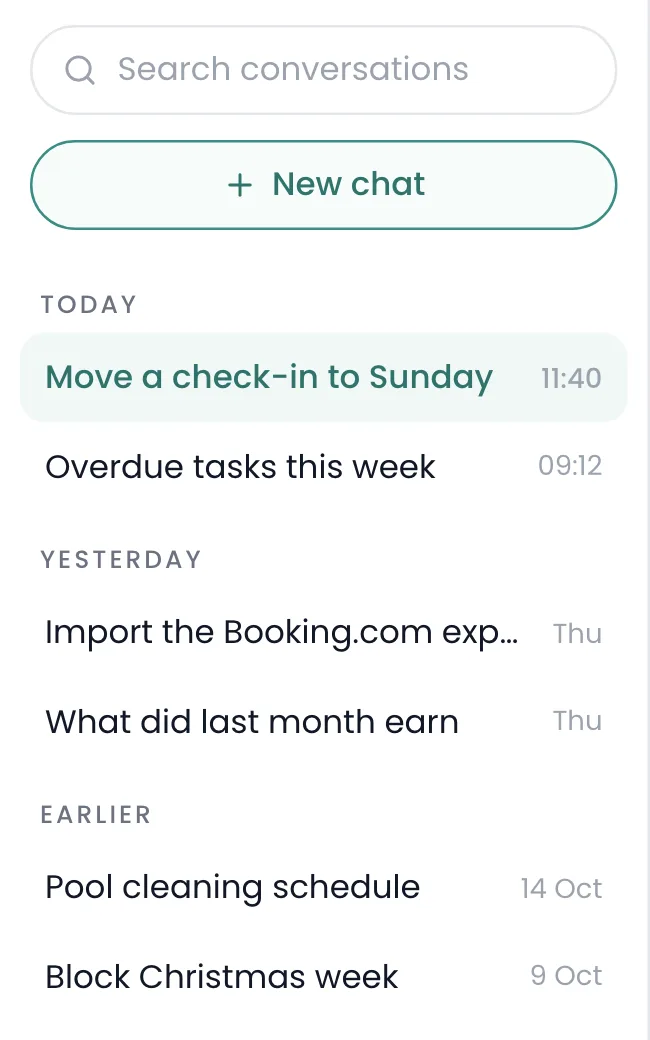
The Ask Recal page keeps every chat, every step it took, everything it read, and every change still waiting for you.
Recal’s AI agent
Try asking it.
Real questions, from a real week.
Questions
What people ask about the agent.
Which plan includes it?
Manager includes 200 credits a month and Business 600. Starter and Host get 25 credits to try it, once.
What’s a credit?
A simple question uses a little. Bigger jobs use more, and you can always see how many credits you’ve used.
Can it change things by itself?
No. Every change is a card you confirm, and it can’t confirm its own.
Can my staff use it?
No. It isn’t available on staff accounts.
What can’t it do?
It can’t change your plan or anyone’s permissions, and it can’t build boards. It can make mistakes, which is why changes wait for you.
Does it work on my phone?
Yes, as a full-screen chat. The page with every conversation is on desktop.
Keep looking