Boards
A board for every idea.
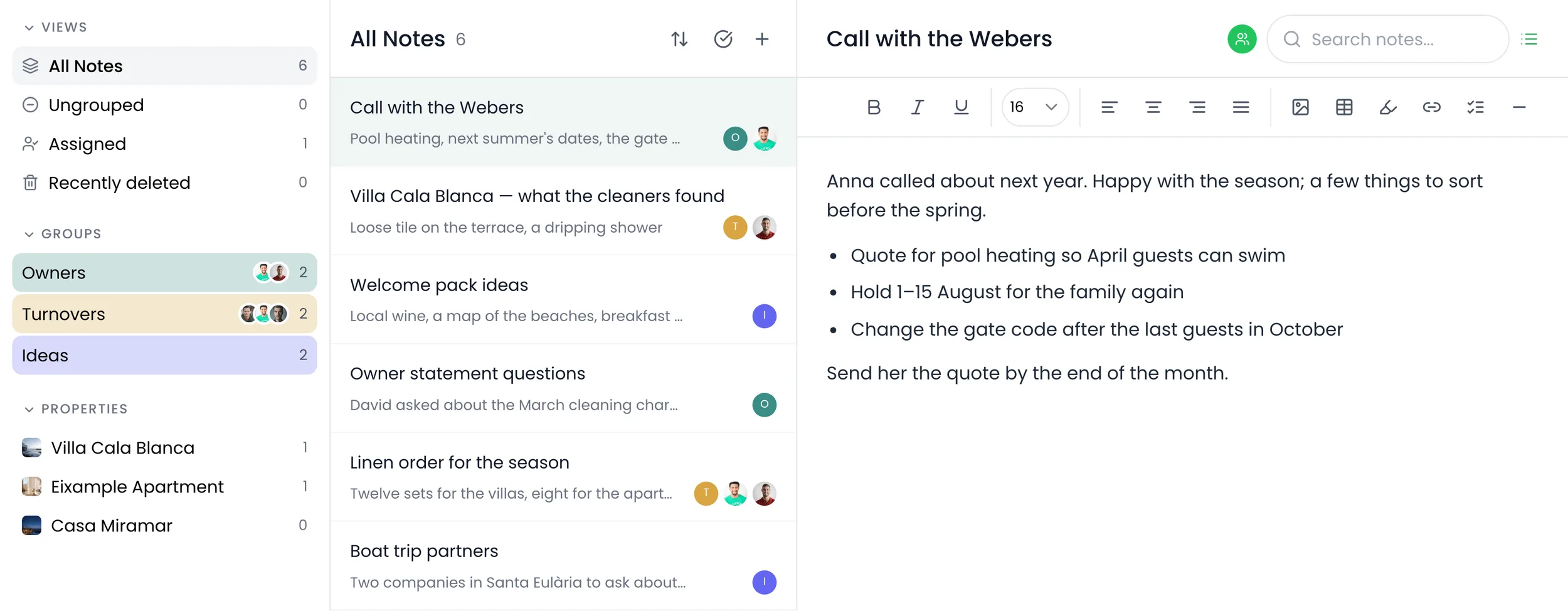
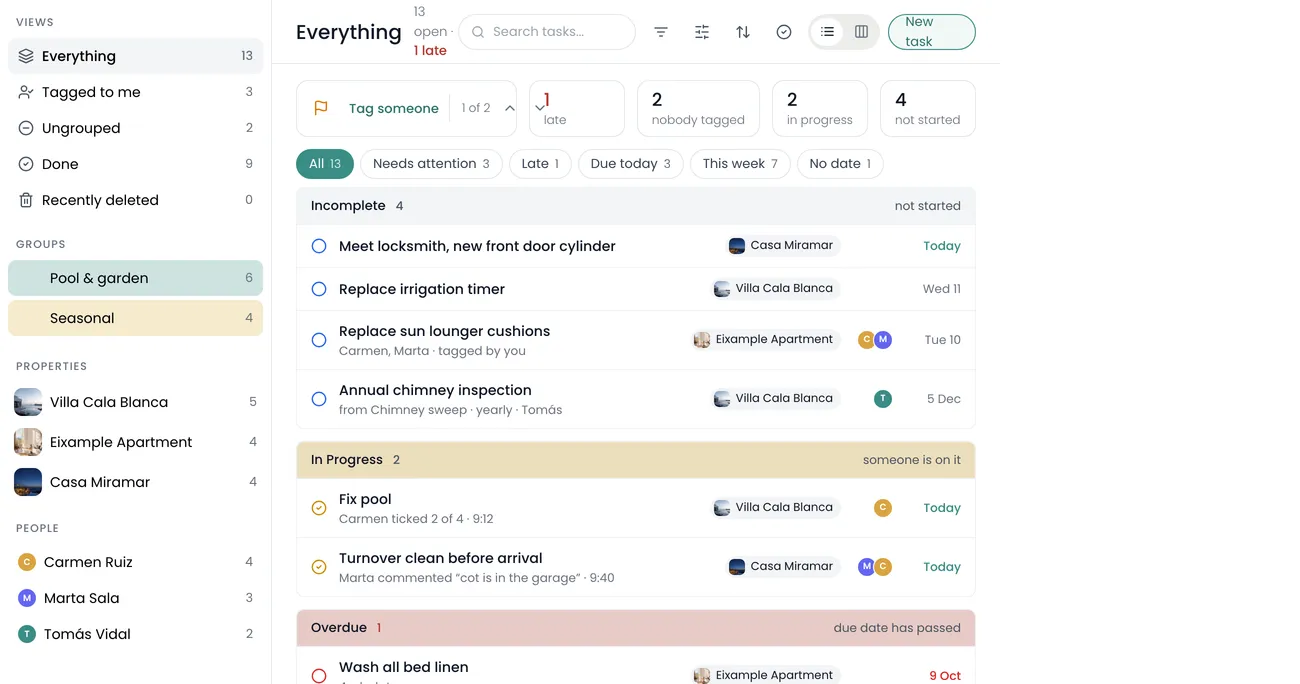
Recal gives you an open canvas for plans, ideas and projects, with live calendars, tasks and numbers beside your notes and sketches, so the thinking and the work sit together.
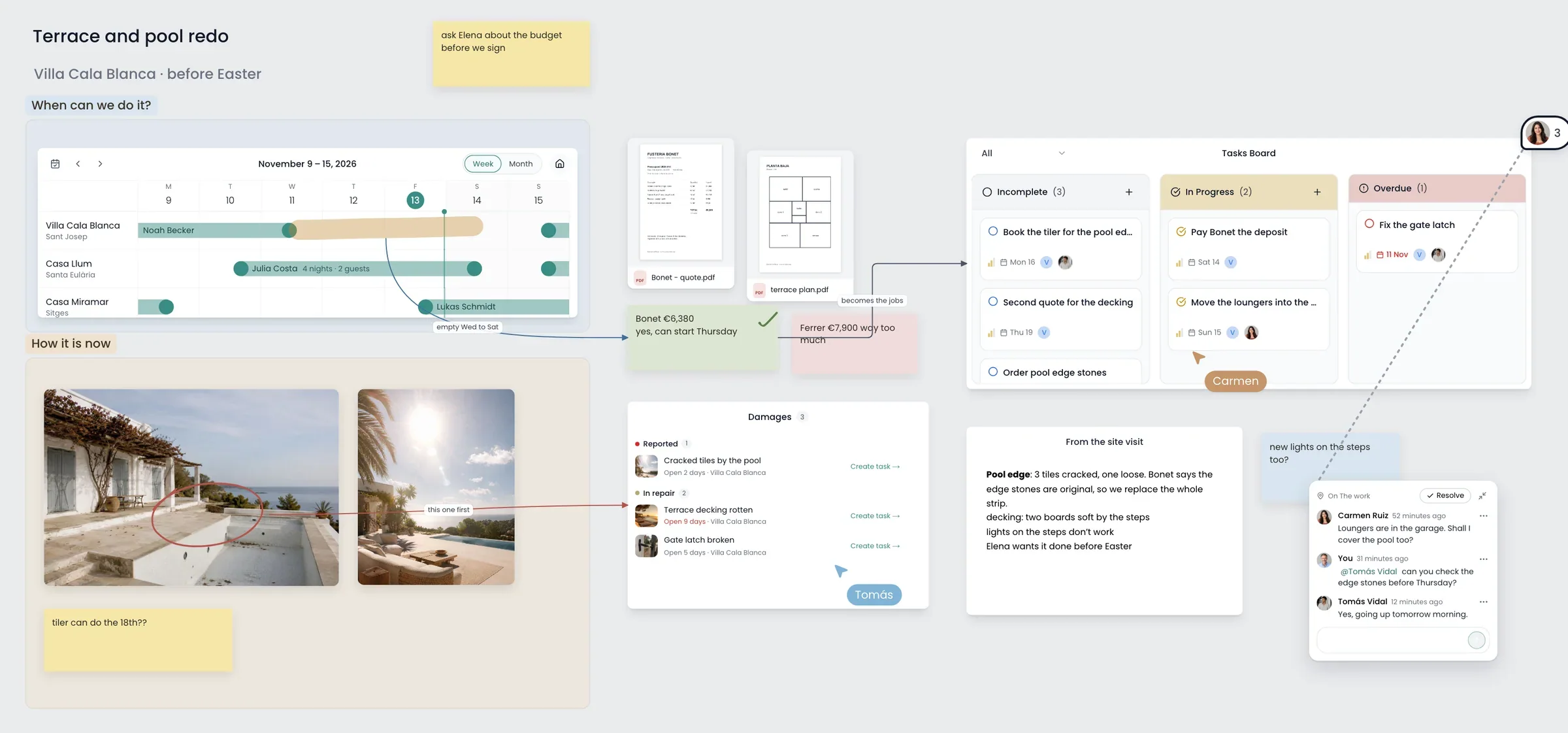
Live Recal, next to your own thinking
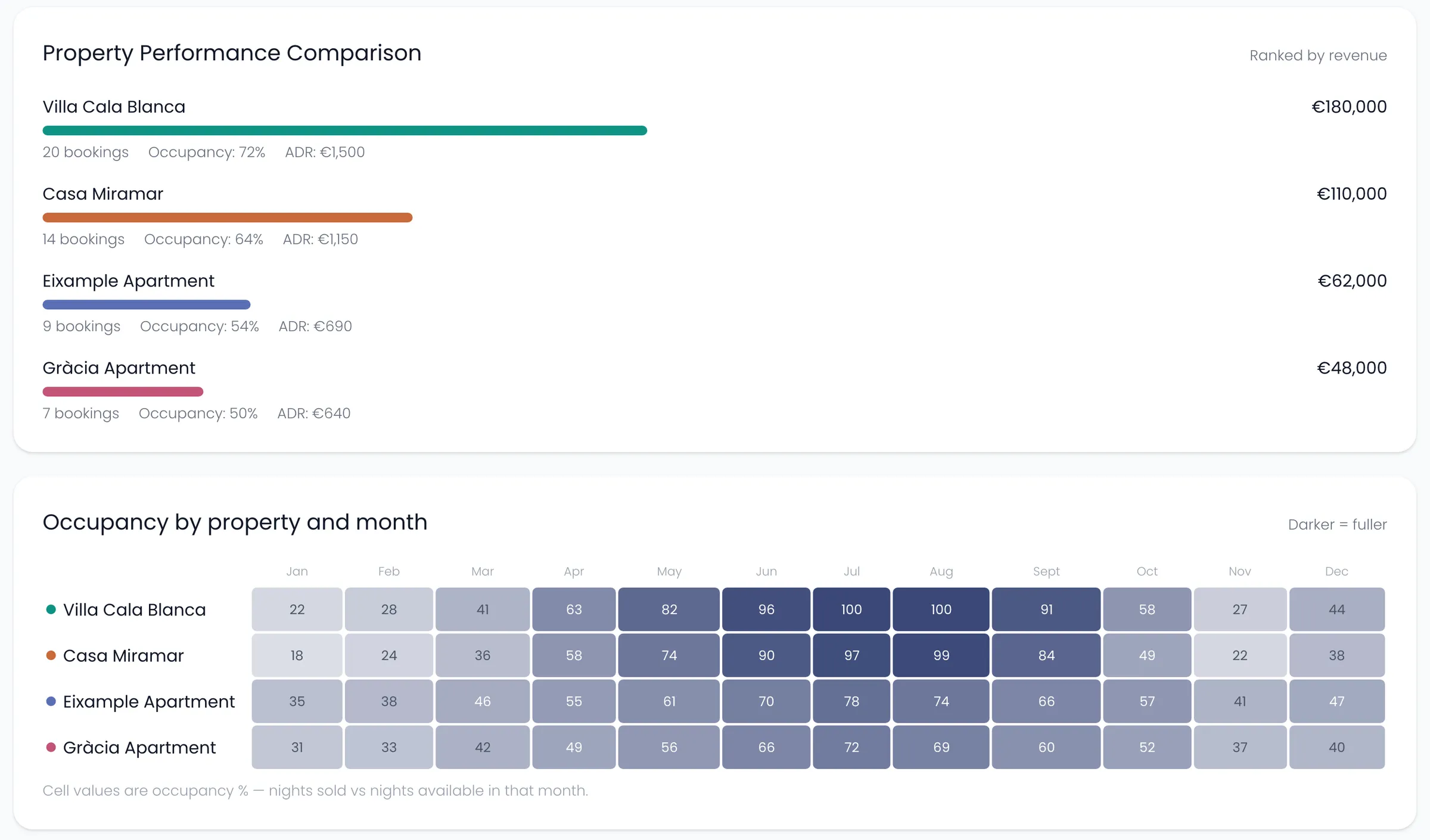
Your numbers, your notes, one page.
Put live widgets on a board, then write around them. This one is ready for a meeting with an owner.
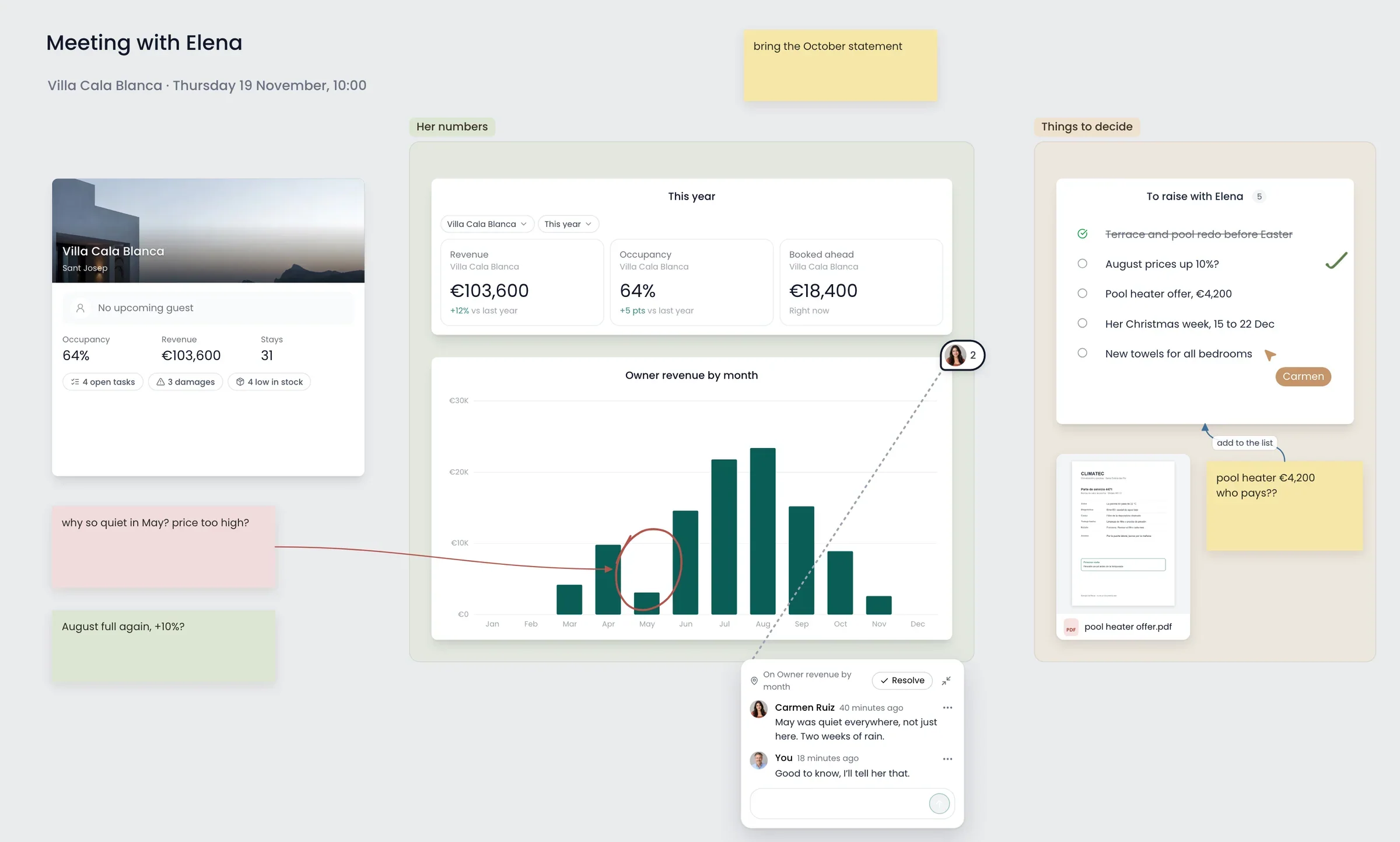
- 1Notes and arrowsSticky notes, arrows, a pen and frames, wherever you want them.
- 2
- 3CommentsLeave a comment on the thing it’s about, and mention someone to bring them in.
- 4Lists and filesA list to tick off, photos and PDFs straight on the board.
Together
Work on the same board at the same time.
Share a board with a co-host, an owner or another agency. You see who is on it, where their cursor is, and what they changed.
Questions
What people ask about boards.
Which plan includes them?
Host includes your Main board. Unlimited boards, templates and sharing start on Manager.
Does someone need a paid plan to join my board?
No. A board shared with you opens on any plan, for free.
Does everything on a shared board get shared?
Quick notes, quick lists and custom cards do. A tasks widget shows the tasks of whoever added it. Other widgets show only to their owner, so nobody sees numbers they shouldn’t.
Can my staff use boards?
No. Staff have their own view of their jobs.
Does it work on my phone?
Not on a phone. On an iPad, boards work with touch and Apple Pencil.
Keep looking