Clients
Remember every guest who could come back.
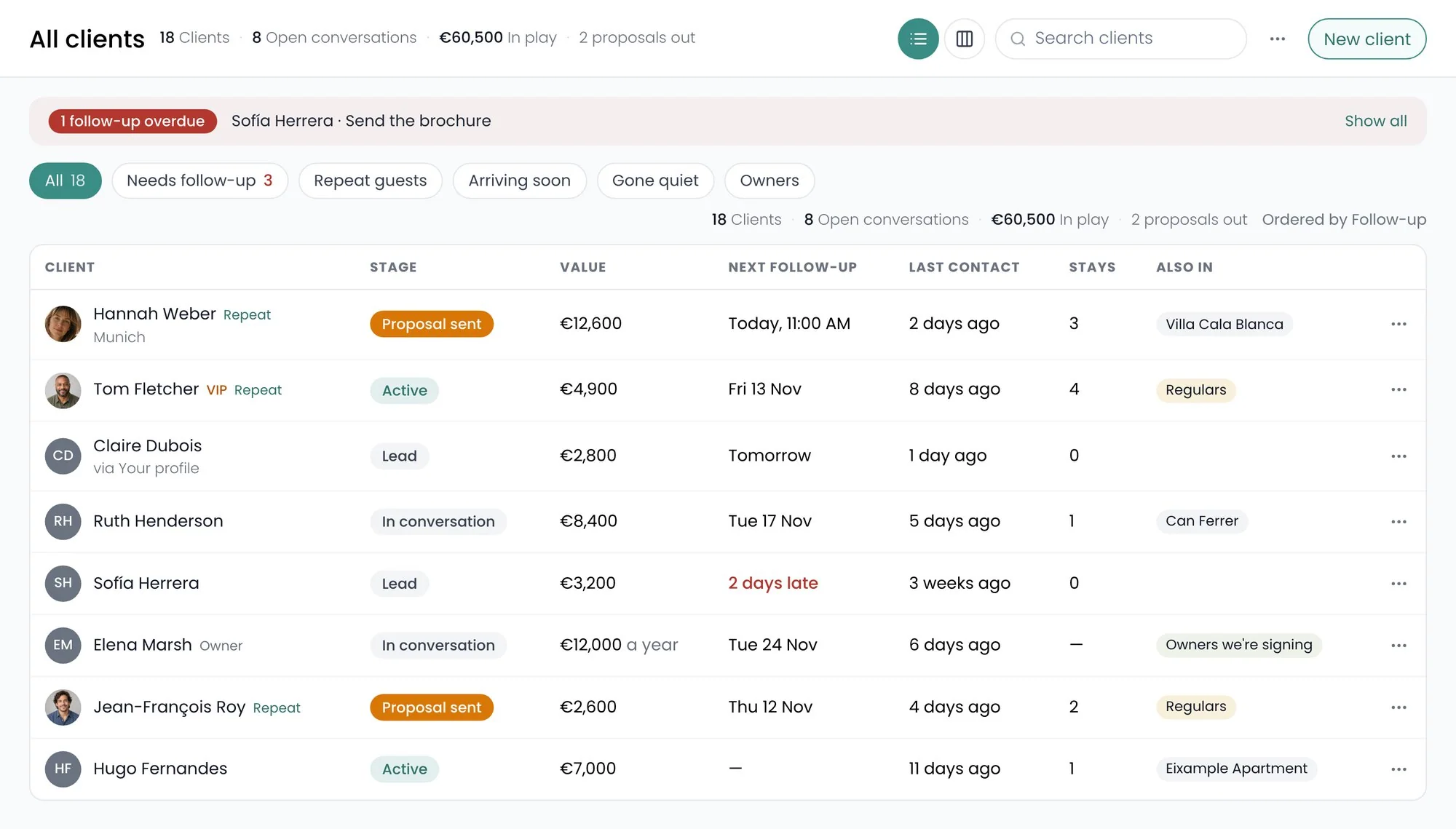
Recal builds a client list from your bookings, keeps each person’s stays and spend up to date, and tells you when to get back in touch.
Getting started
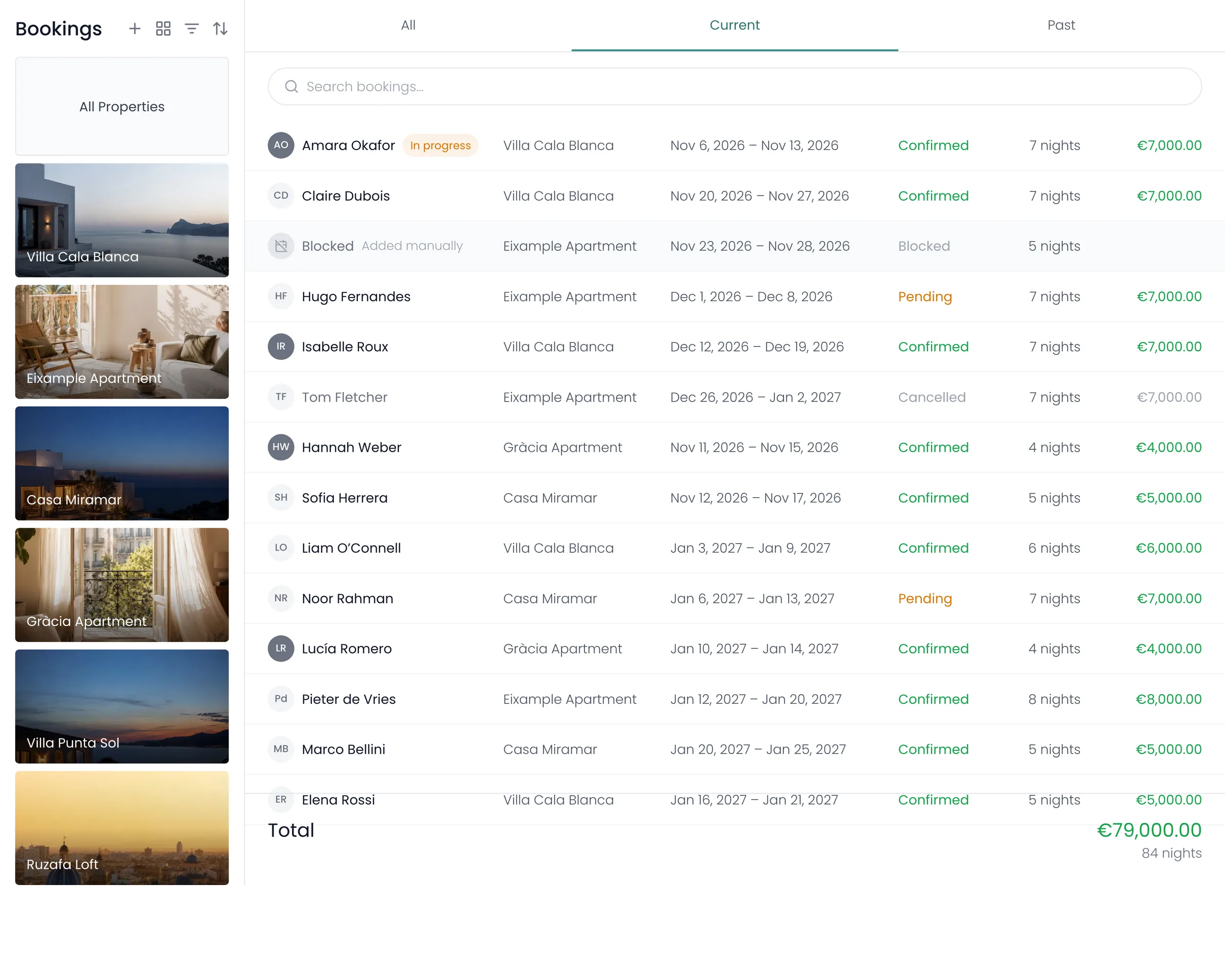
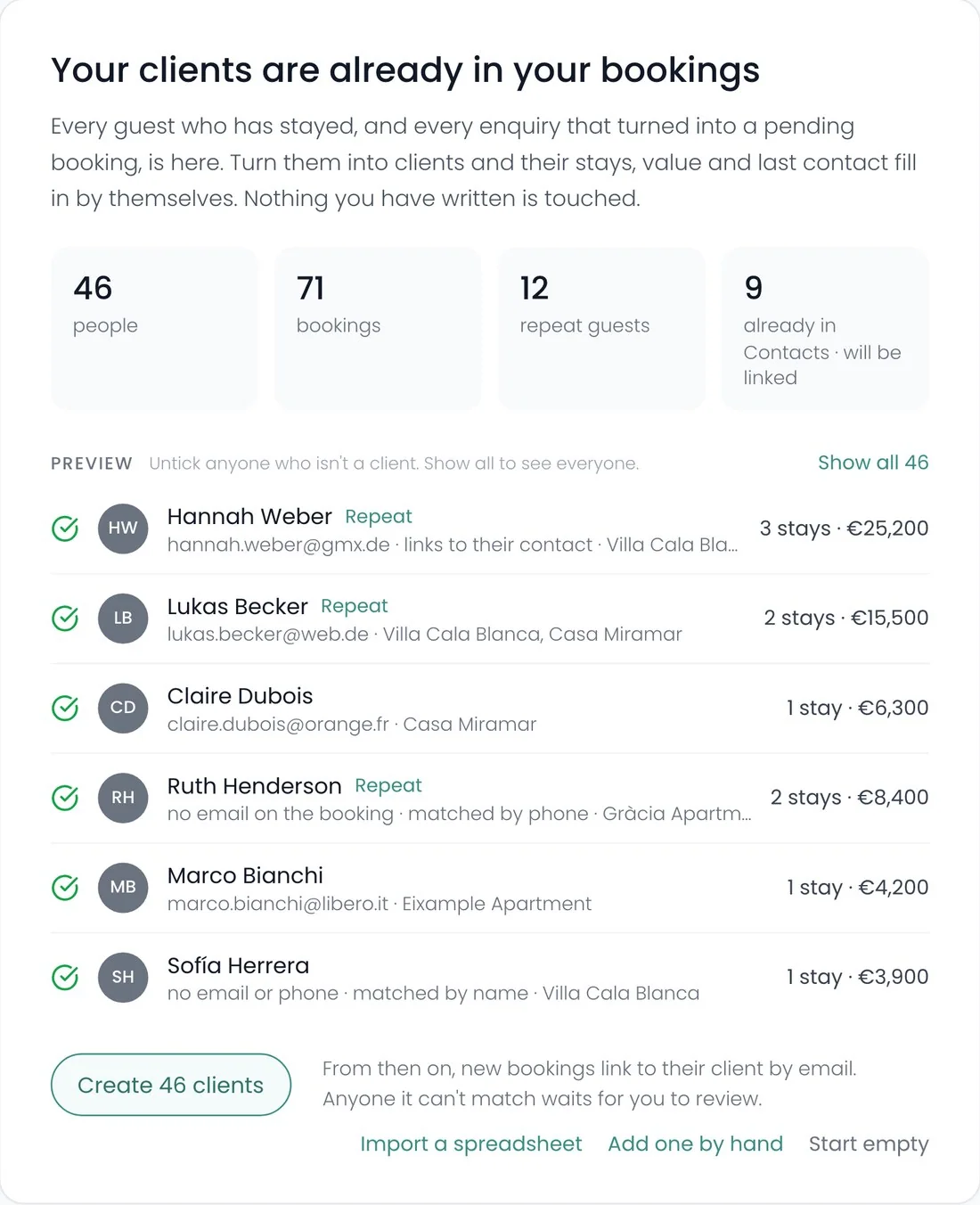
Your clients are already in your bookings.
One press turns everyone who has stayed into a client, matched by email, then phone, then name. Untick anyone who isn’t one.
The pipeline
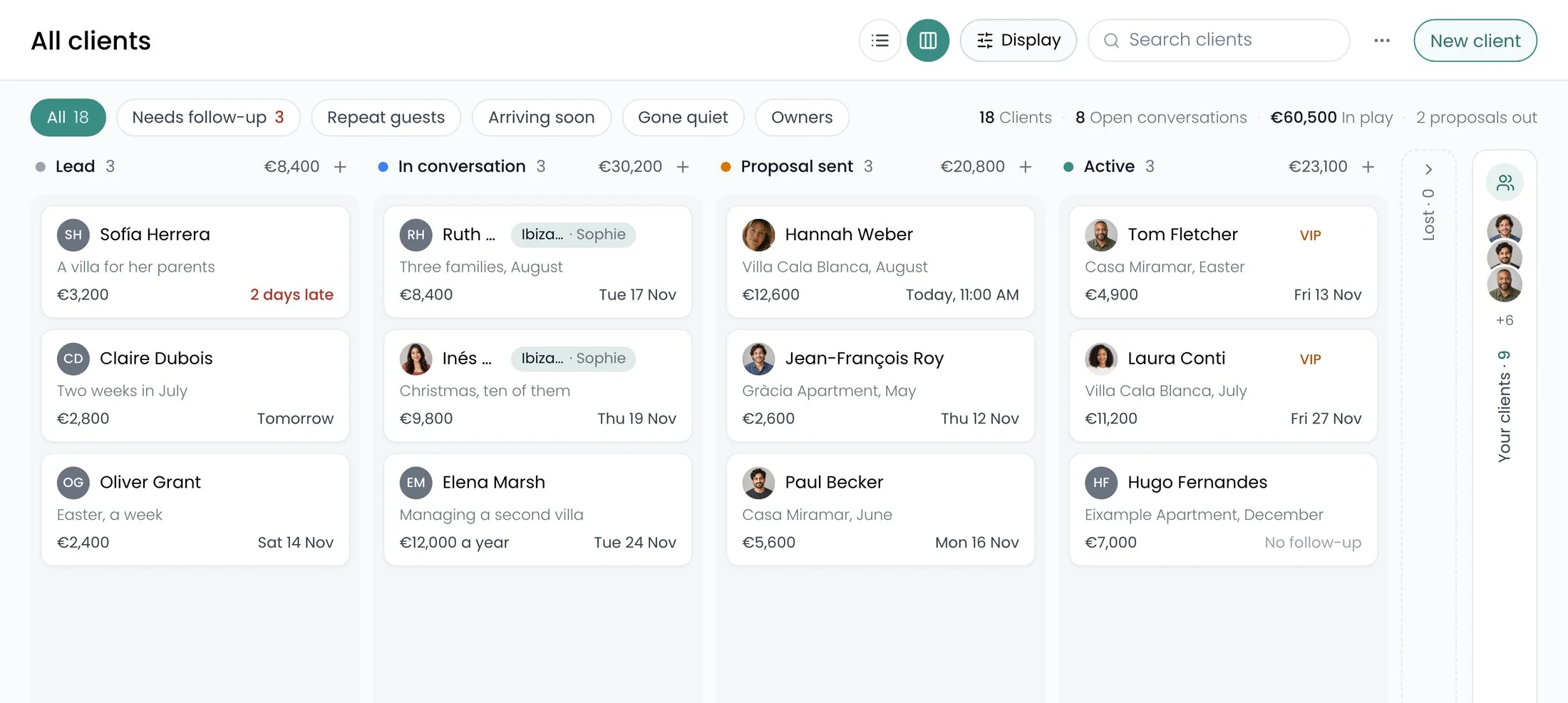
Each conversation moves itself.
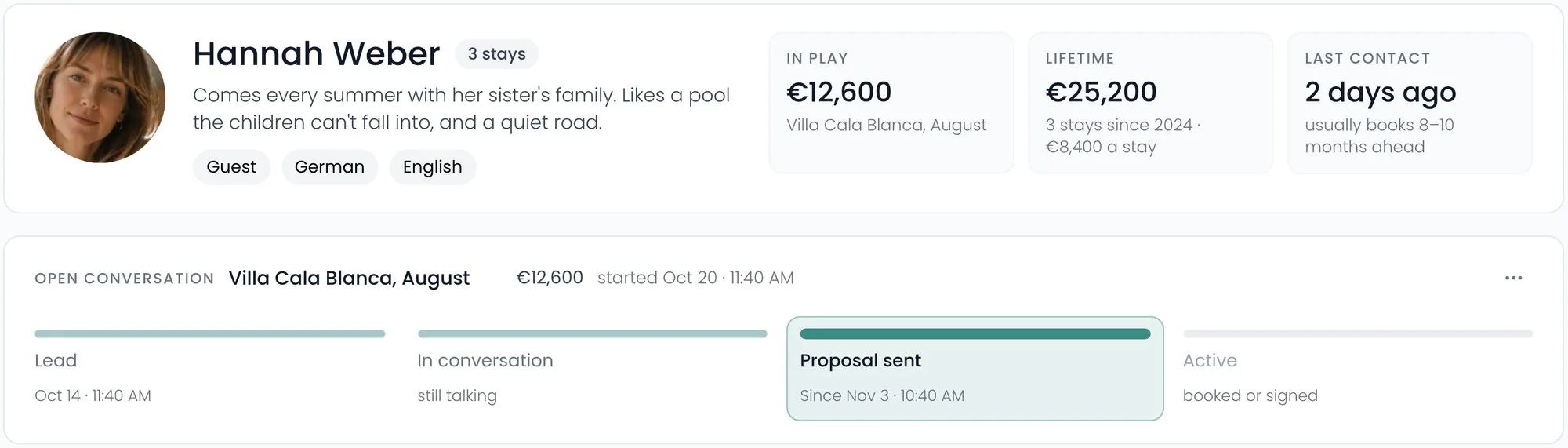
Rename the stages to suit you. Recal still knows what each one means, so bookings and proposals move people along for you.
Shared groups
One client list, the whole team.
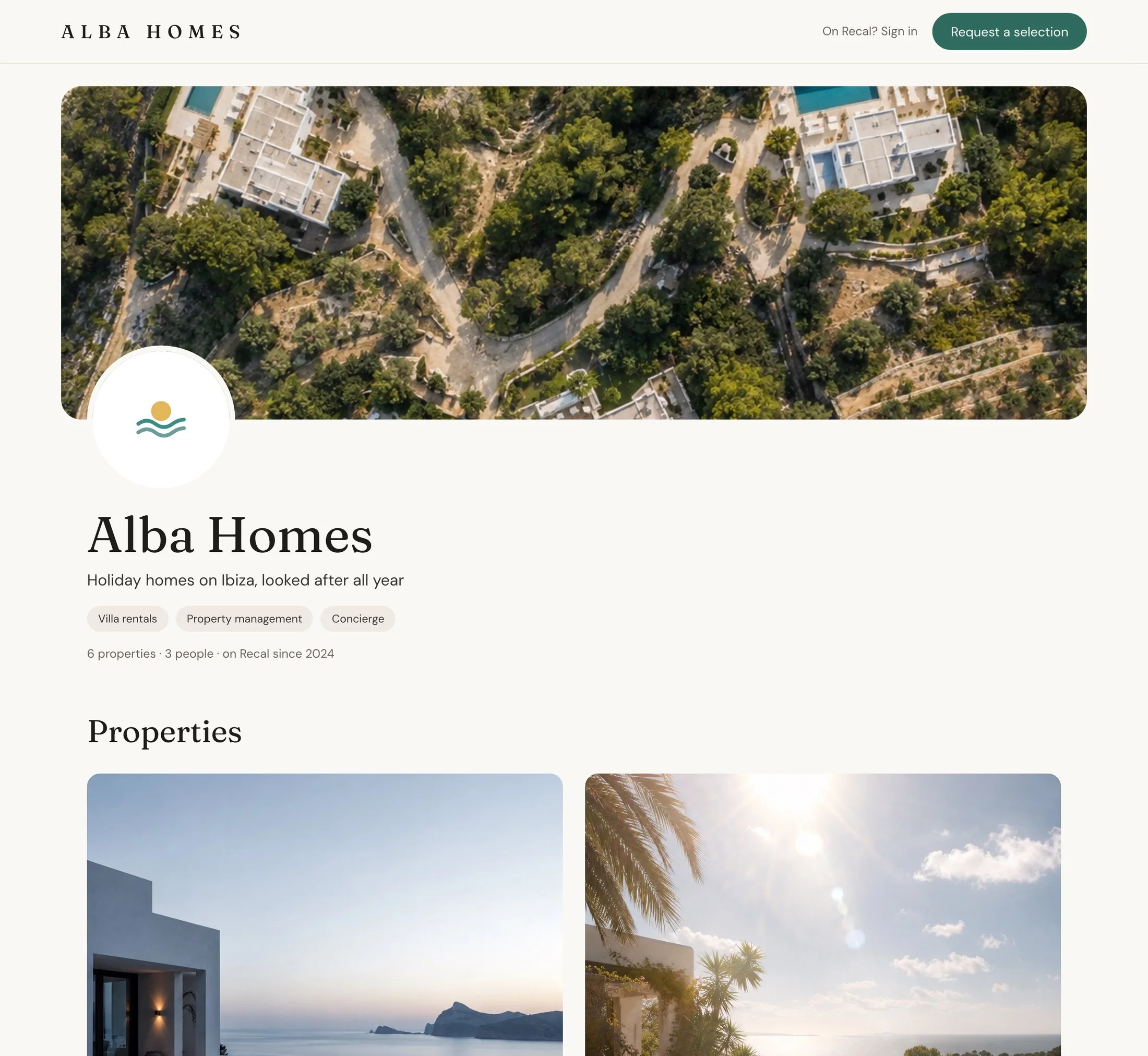
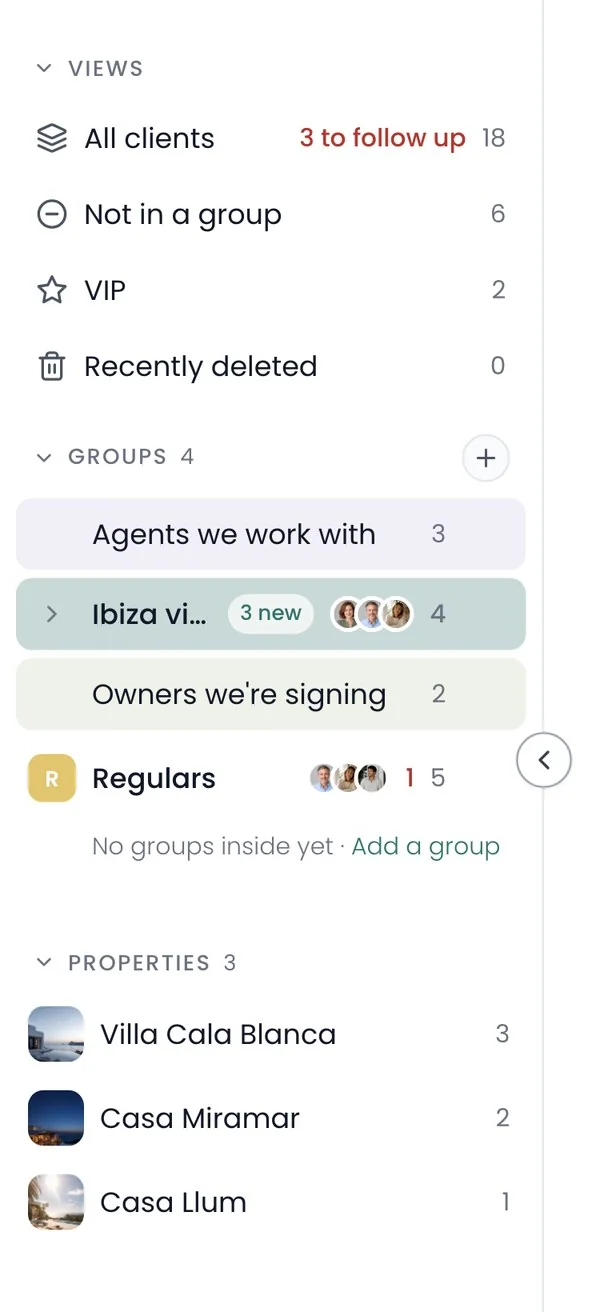
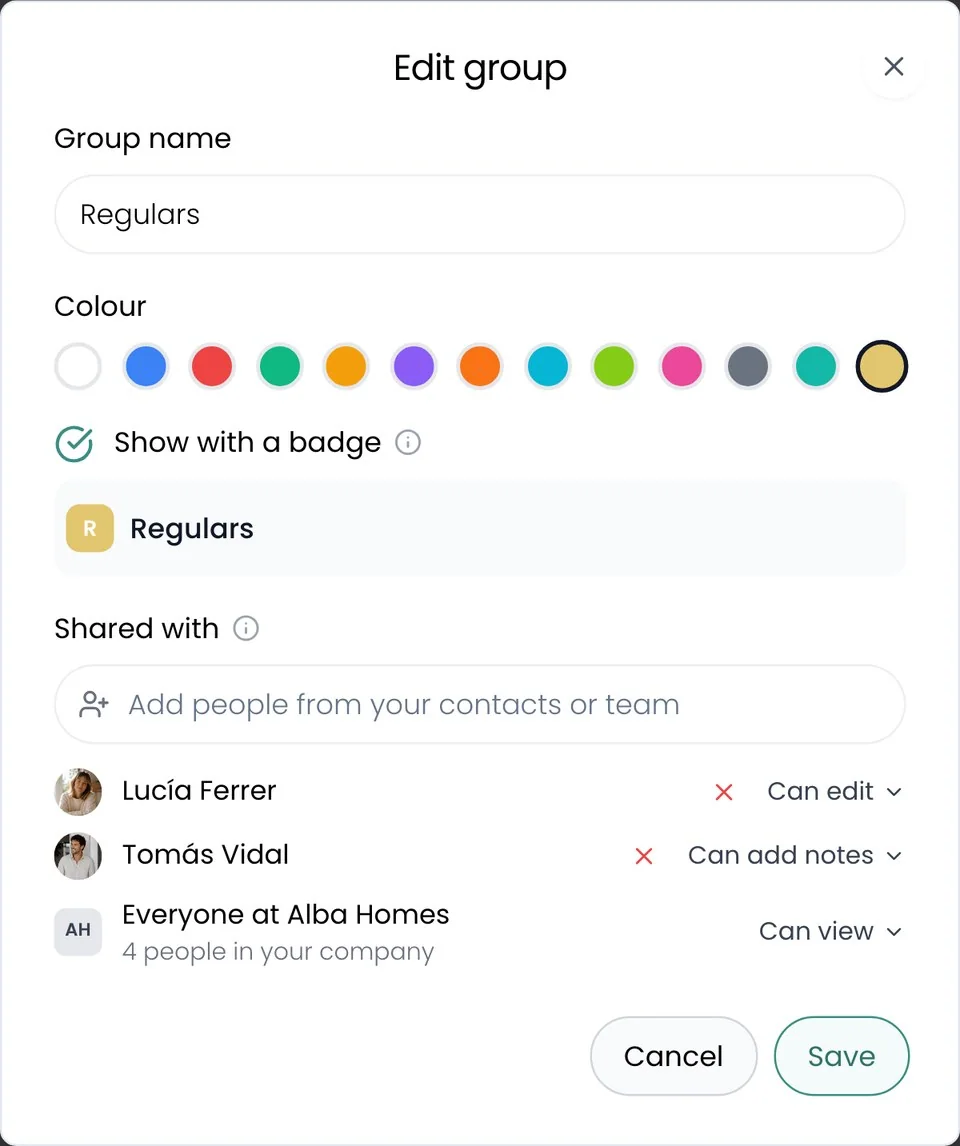
Put clients in a group and share it with people from your contacts, or with everyone at your company. Their clients sit in your own pipeline, and yours in theirs.
Built on your bookings
Numbers you never type.
Stays, spend and when they usually book come straight from their bookings, so the picture is always right.
Follow-ups
Nobody waits for a call back.
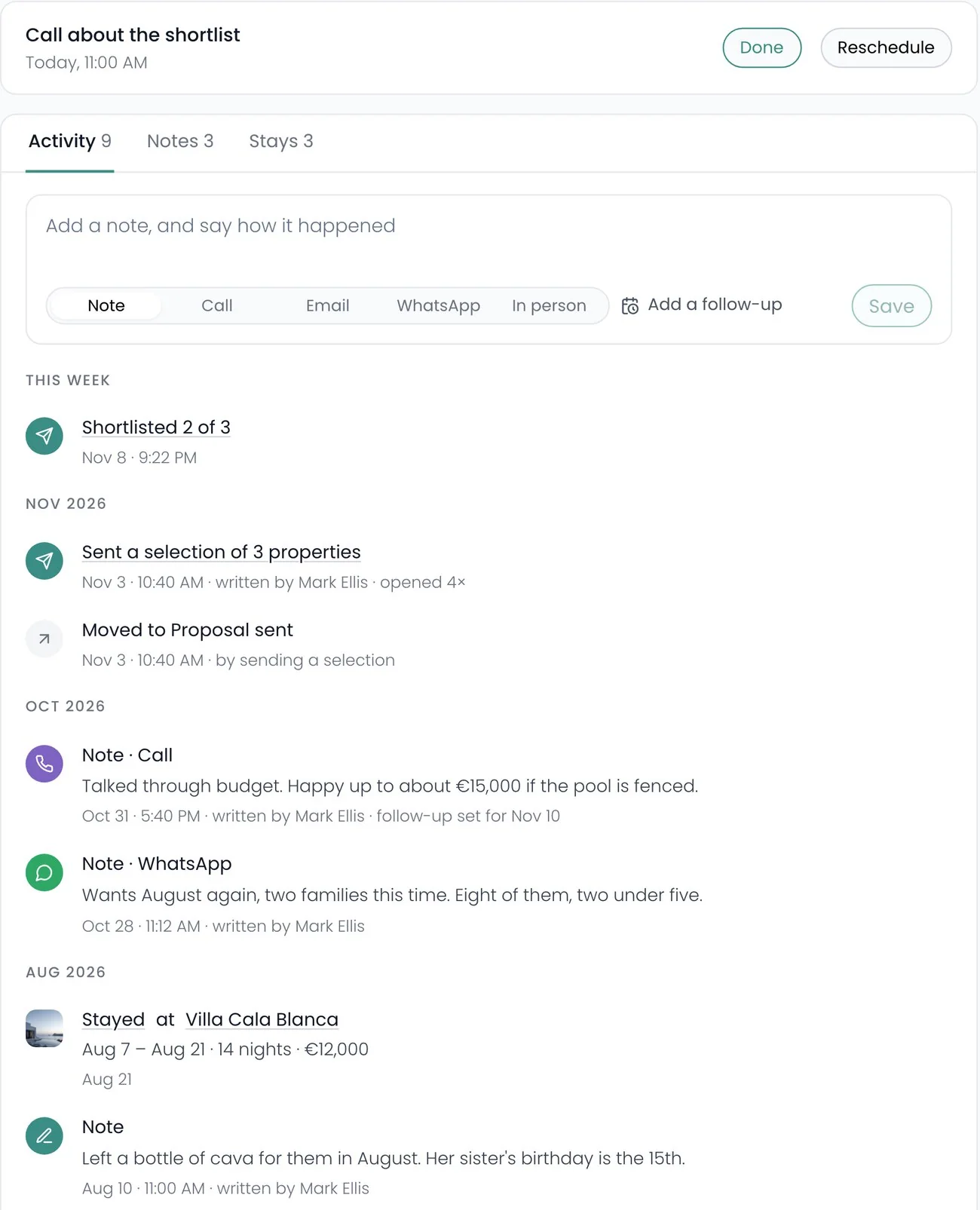
Log a call, an email or a WhatsApp in a line, and say when to get back to them.
Recal’s AI agent
Or just ask.
It tells you who needs a call, logs what was said, and sets the next follow-up.
Questions
What people ask about clients.
Which plan includes it?
Clients is on Business.
Can my staff see my clients?
No. Staff never see Clients.
Does it read my WhatsApp or email?
No. You log a call or a message in a line, and it stays on their timeline.
Can I bring my list in?
Yes, from a spreadsheet. Or start from the guests already in your bookings.
Does it work on my phone?
Clients is on a computer. Your follow-ups show on your phone’s agenda and in Home.
Keep looking