Notes
Write it down once. Find it when it matters.
Recal keeps your notes in groups you can share with your team, so nothing stays in one person’s head.
Groups
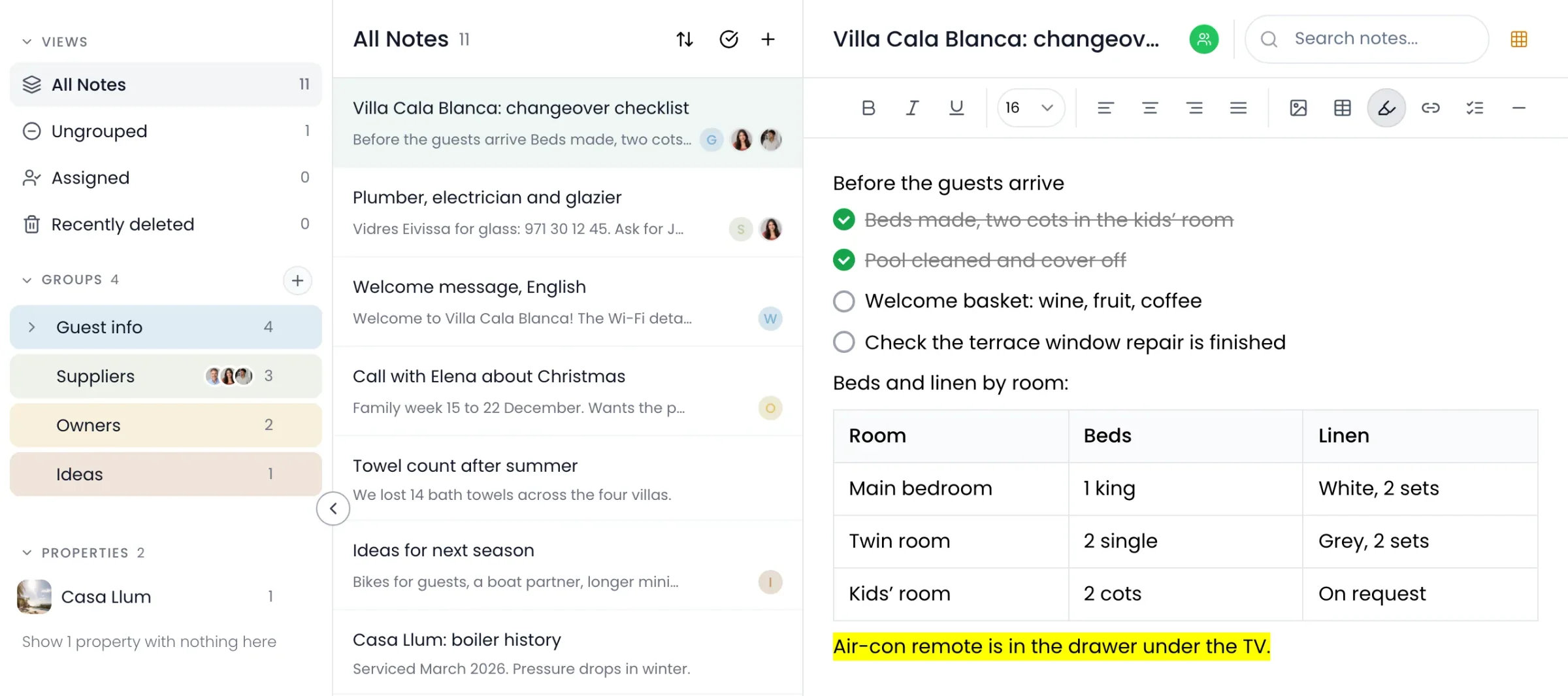
Groups work like folders.
Put notes in groups, and groups inside groups. Share a group, and everyone in it sees the notes inside.
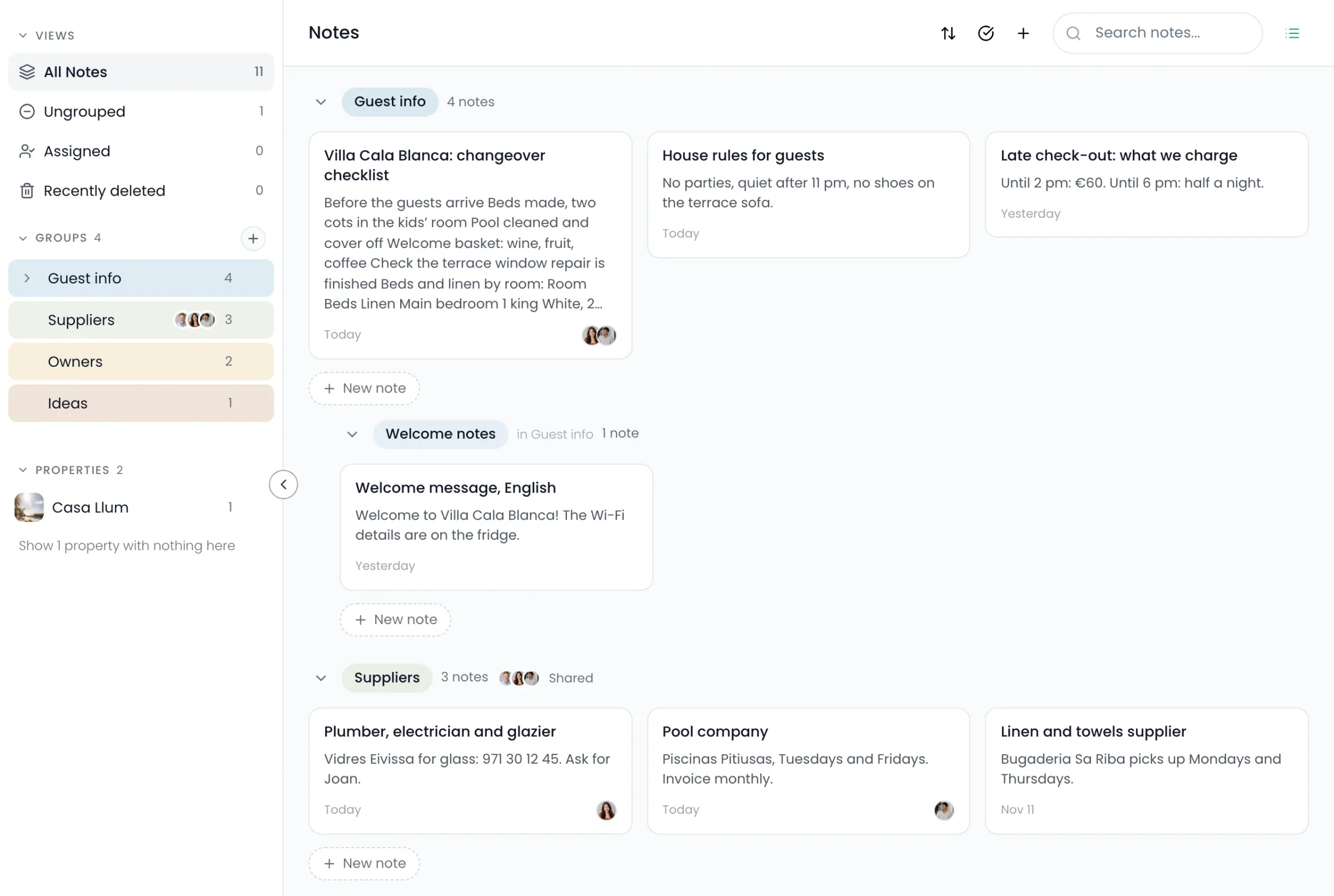
- 1A folder for each homeEvery home gets its own, for notes about that house.
- 2Tag your teamTag up to three people on a note. They can read it and change it.
- 3Groups inside groupsUp to three levels deep.
- 4Share a whole groupChoose whether each person can change the notes or only read them.
Safe to use
Nothing disappears by accident.
Notes are easy to write and hard to lose.
Undo, then 30 daysDelete a note and you can undo it straight away. After that it waits in Recently deleted for 30 days.
More than plain textHeadings, checklists, tables, highlights and photos.
On a board tooA quick note on a board is a real note, saved with the rest.
Questions
What people ask about notes.
Which plan includes it?
Notes are on every plan. Tagging people starts on Host, and sharing a whole group starts on Manager.
Who can see my notes?
Only you, until you tag someone on a note or share a group with them. Notes in a home’s folder are also seen by that home’s owner and co-hosts. Up to three people can be tagged on a note.
Can I get a note back after deleting it?
Yes. Undo straight away, or find it in Recently deleted for 30 days.
Keep looking