Brochures
A finished brochure, in one button.
Recal lays out a home’s photos, details and description as a designed PDF. Pick a look, press the button, and it’s ready to send.
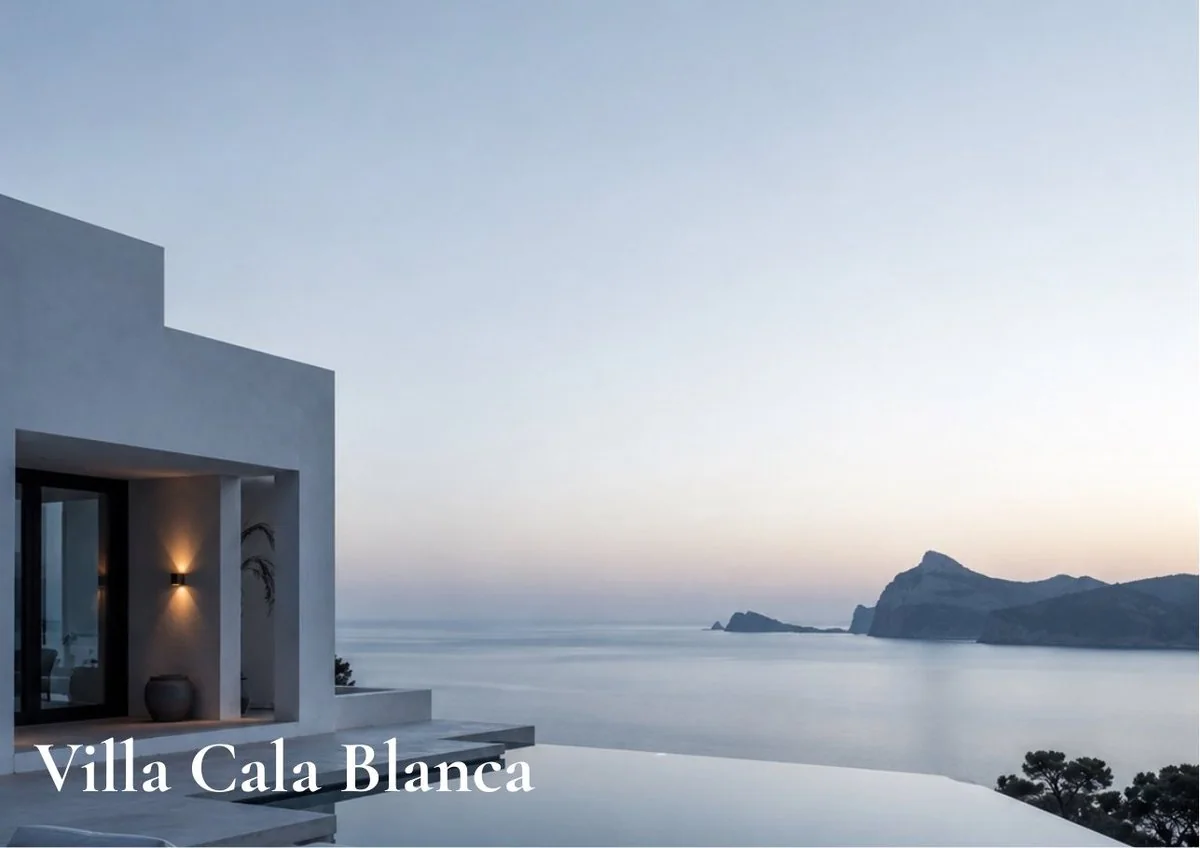
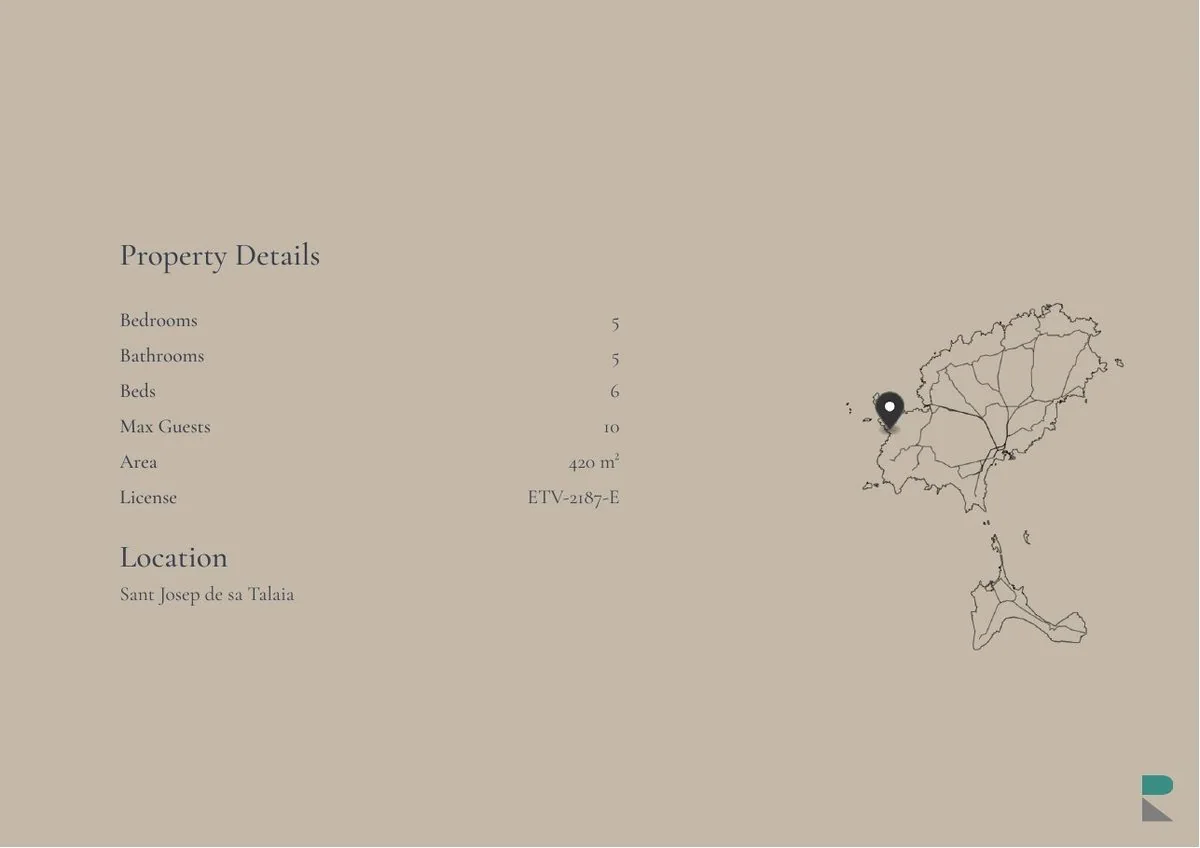
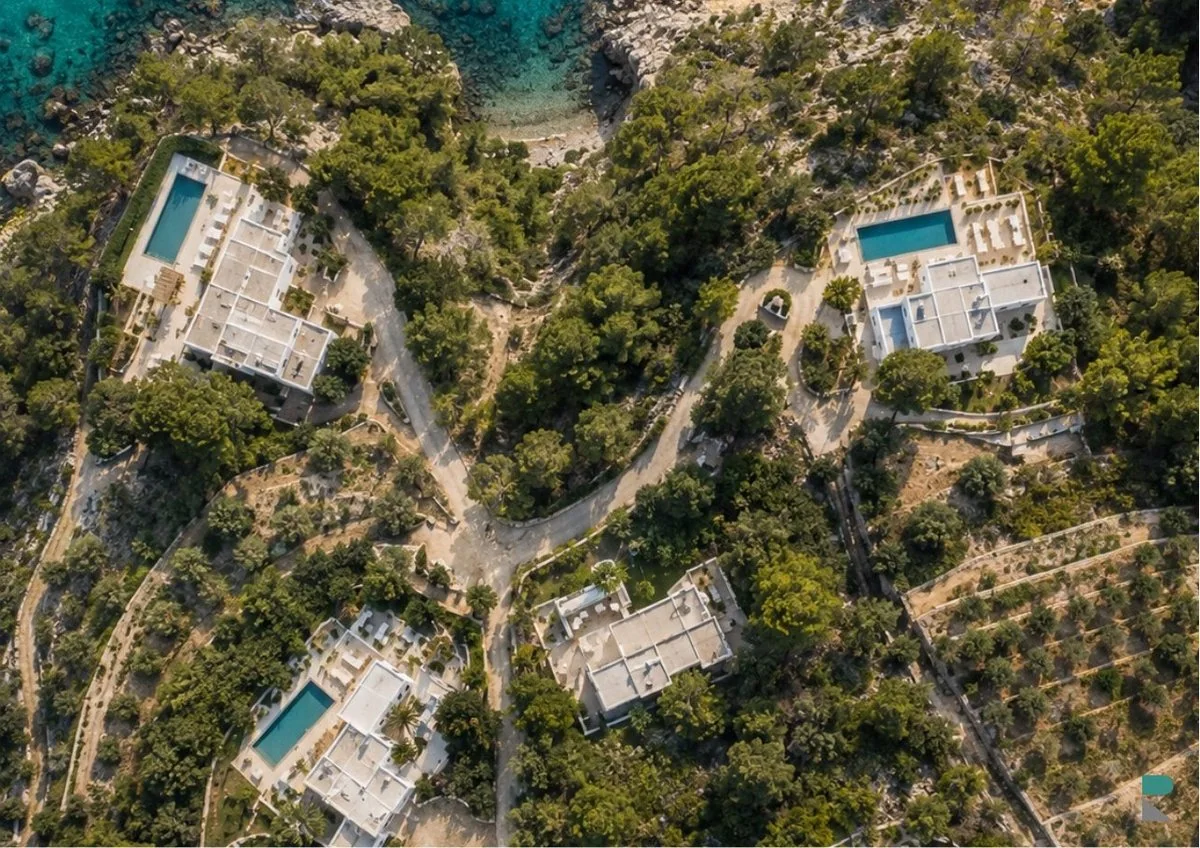
Made from the home
Nothing to write. Nothing to retype.
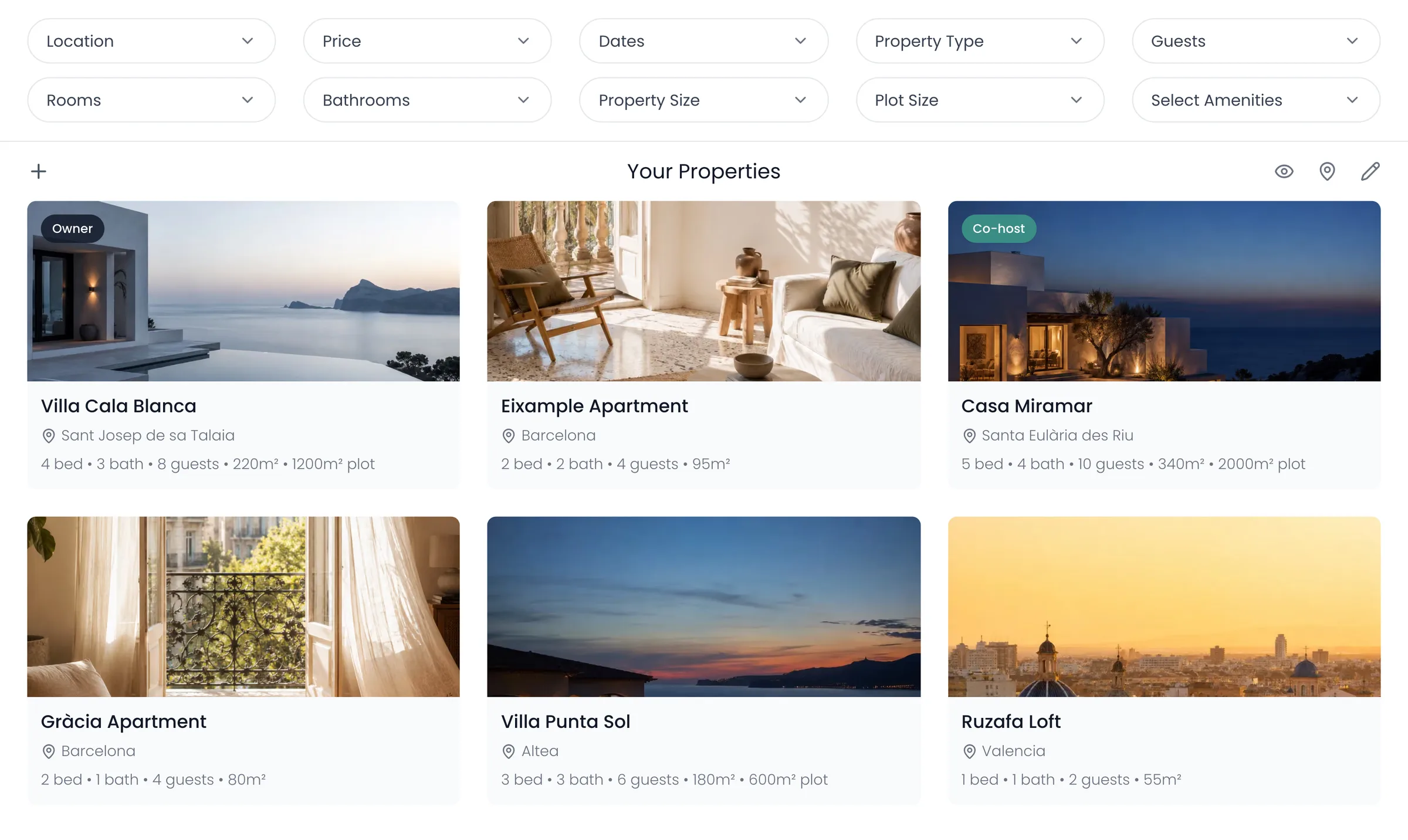
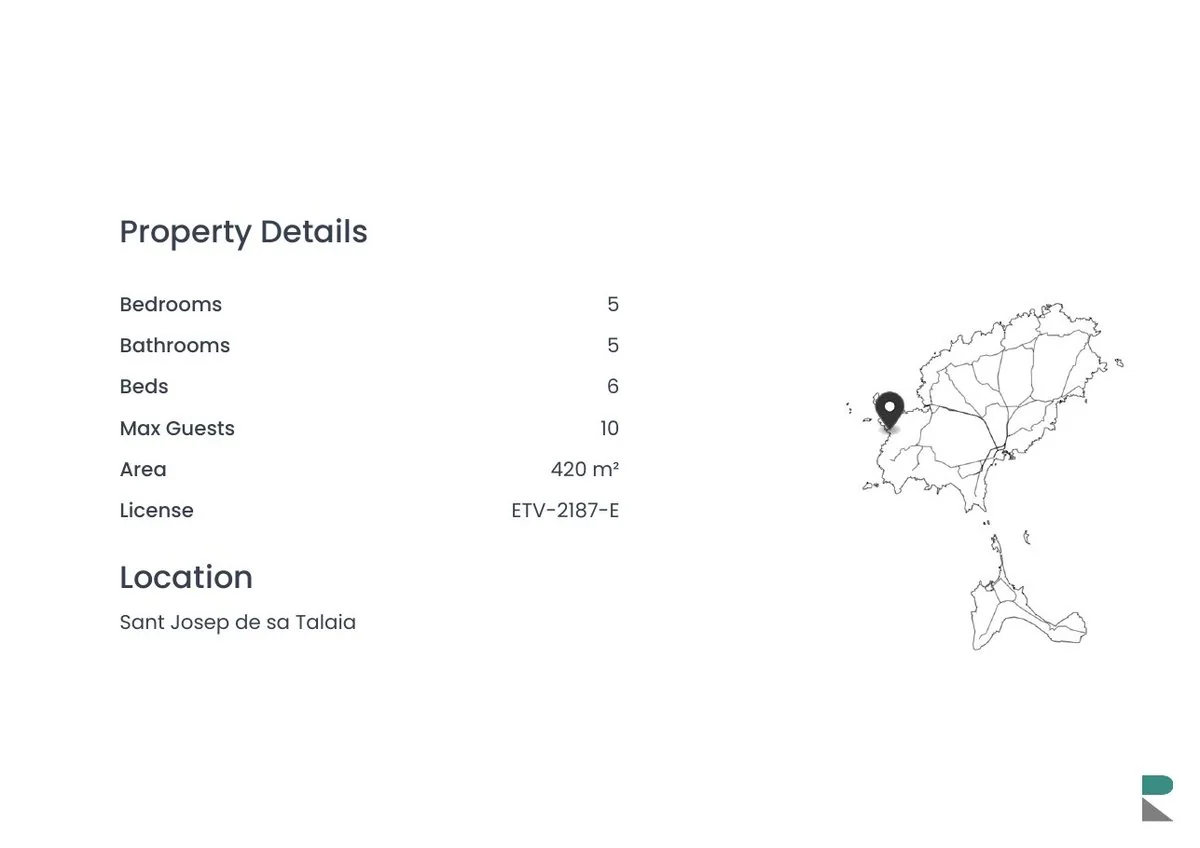
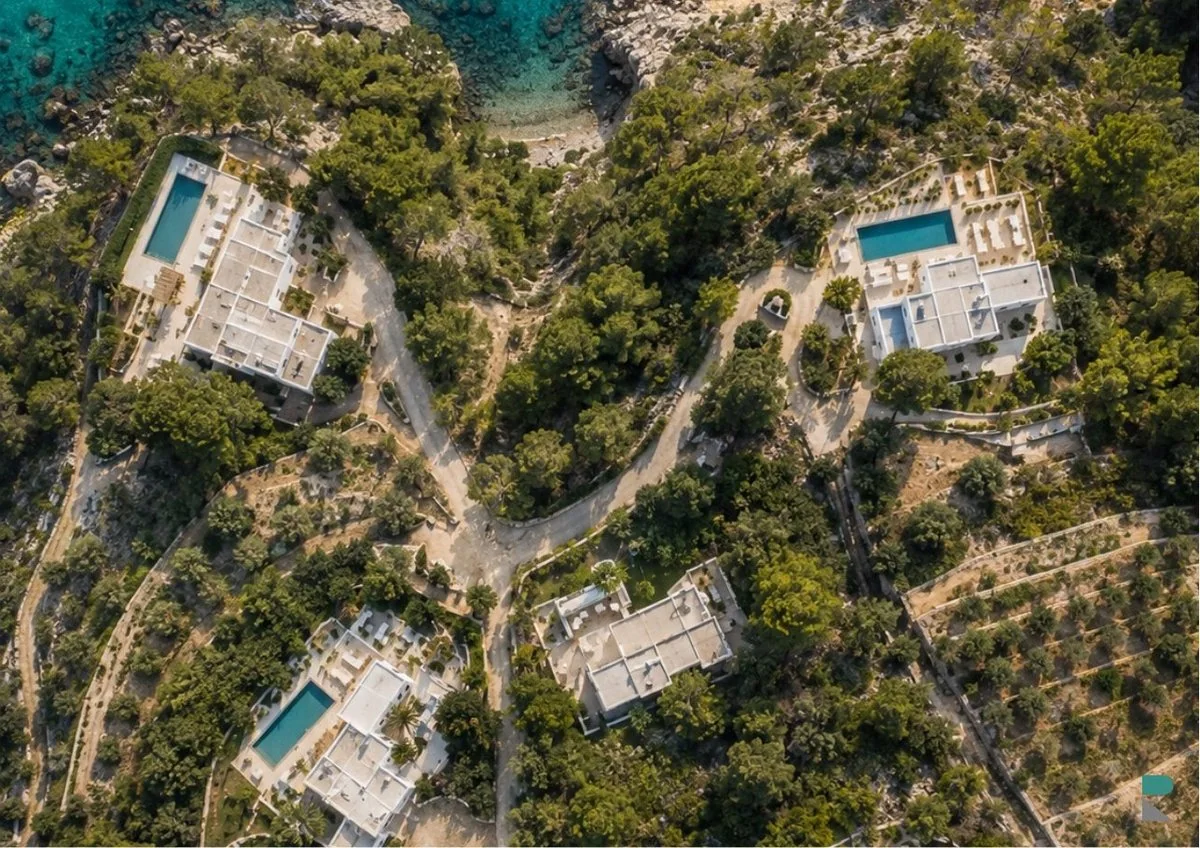
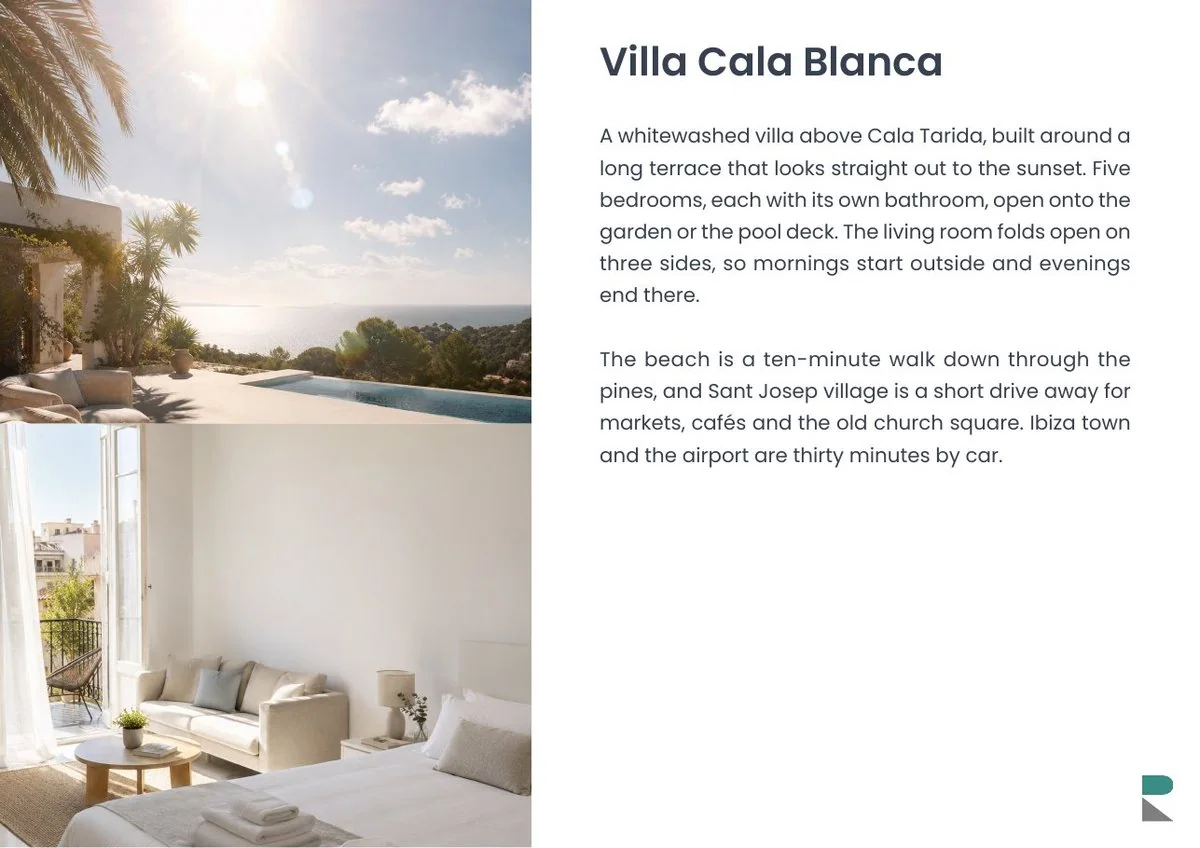
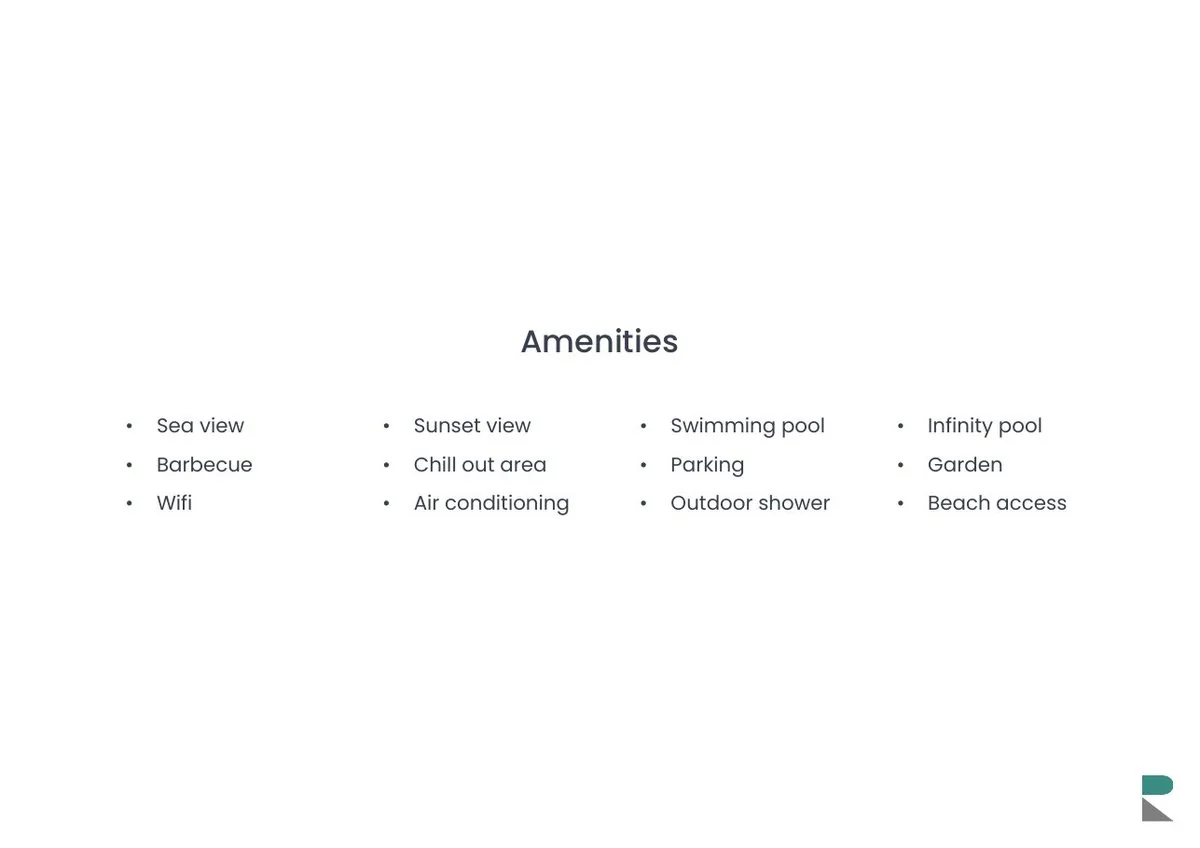
Every page comes from what’s already on the home: its photos in the order you keep them, its details and its description.
Your look
Your colour, your typeface.
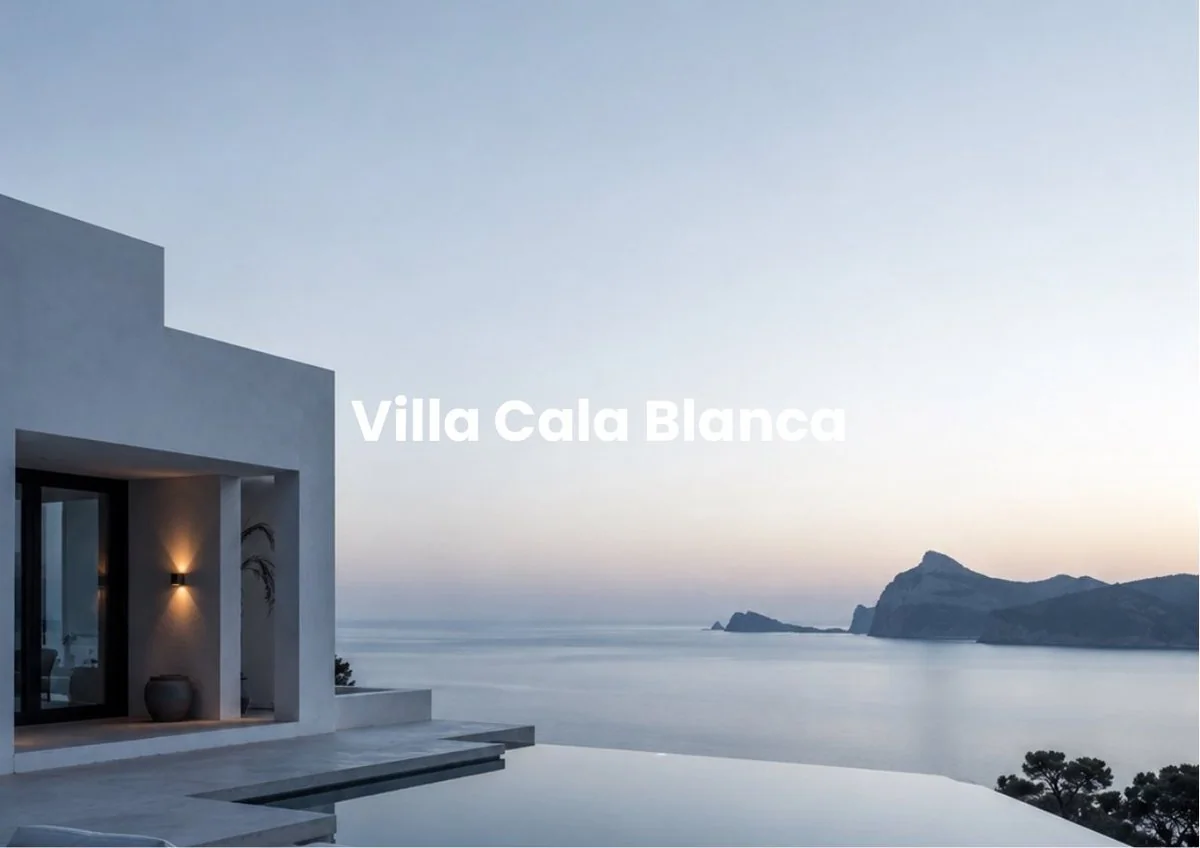
Four backgrounds, seven typefaces, and the title wherever suits the photo. On dark pages, the map turns white to match.
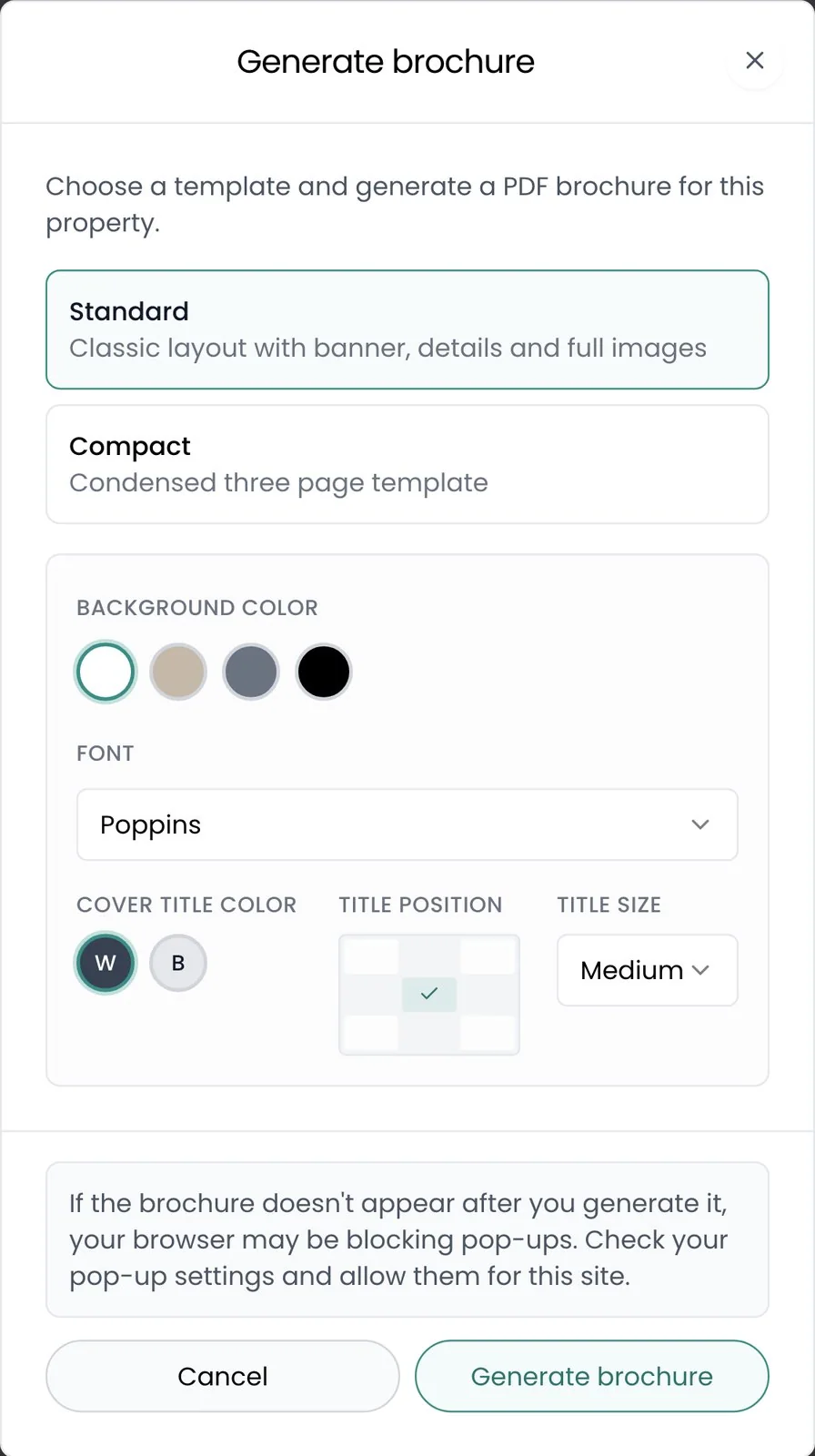
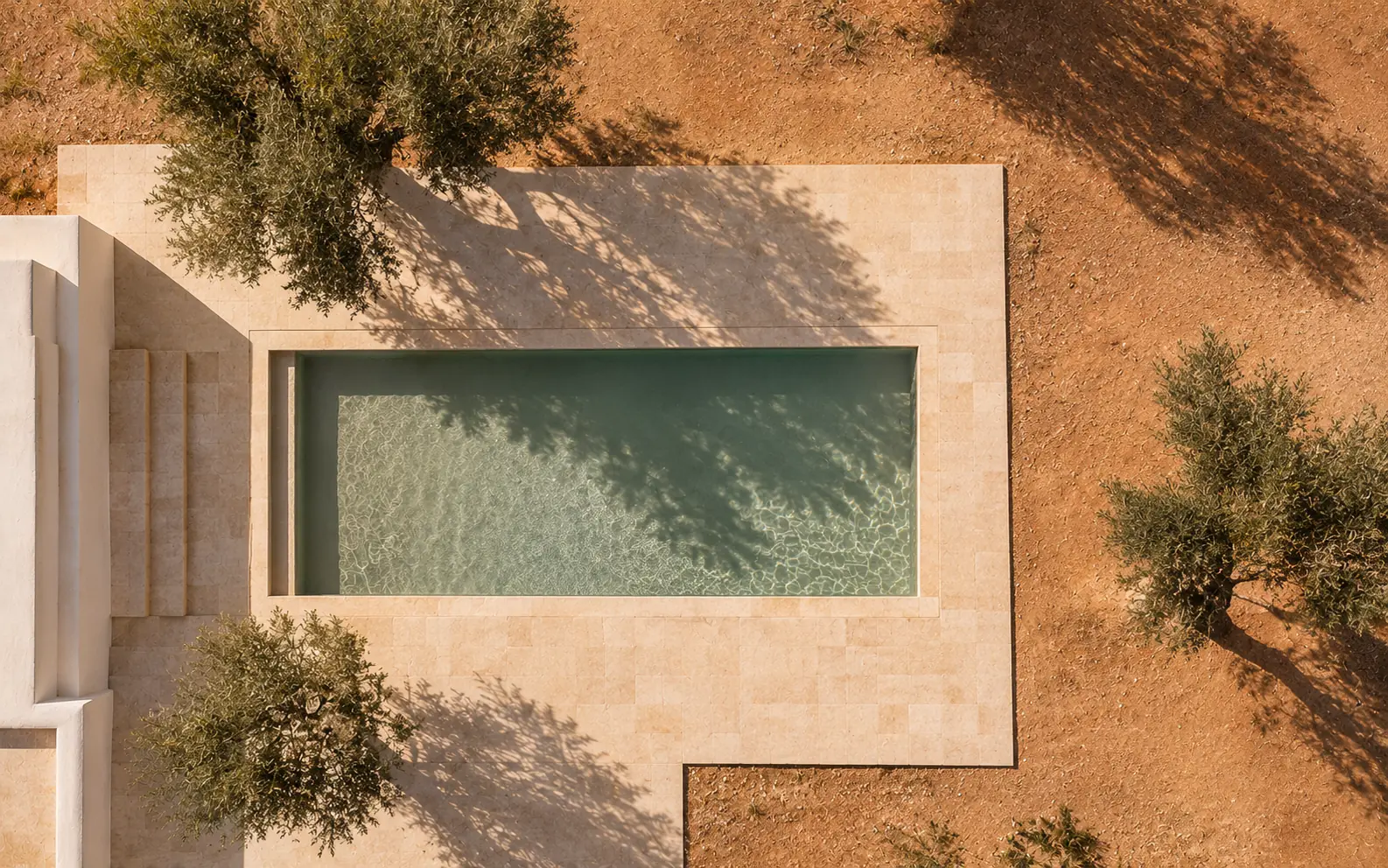
White pages in Poppins, with the title in the centre.
Ready to send
It opens as a PDF.
Recal’s AI agent
Or ask for one.
Ask for any home’s brochure, and the agent hands you the PDF in the standard look.
Questions
What people ask about brochures.
Which plan includes brochures?
Every plan from Host up.
Does the brochure show my prices?
No. It shows the home, so it stays right all year. To send prices, use a proposal.
Can I change the words?
Yes, on the home itself. Edit the description or details there, then make a new brochure.
Can I choose which photos go in?
Every photo goes in, in the order you keep them on the home. Reorder them there to change the brochure.
Who can make one?
You, the home’s owner and its co-hosts.
Can it be in Spanish?
The labels on the brochure are in English. Your description prints in whatever language you wrote it.
Can I make one on my phone?
Not yet. Brochures are made on a computer.
Keep looking